Open the App Store on your phone and search for “PhoneHQ - Business Phone App”, or use this link.
Tap the “Get” button and wait for the system to download and install the app.
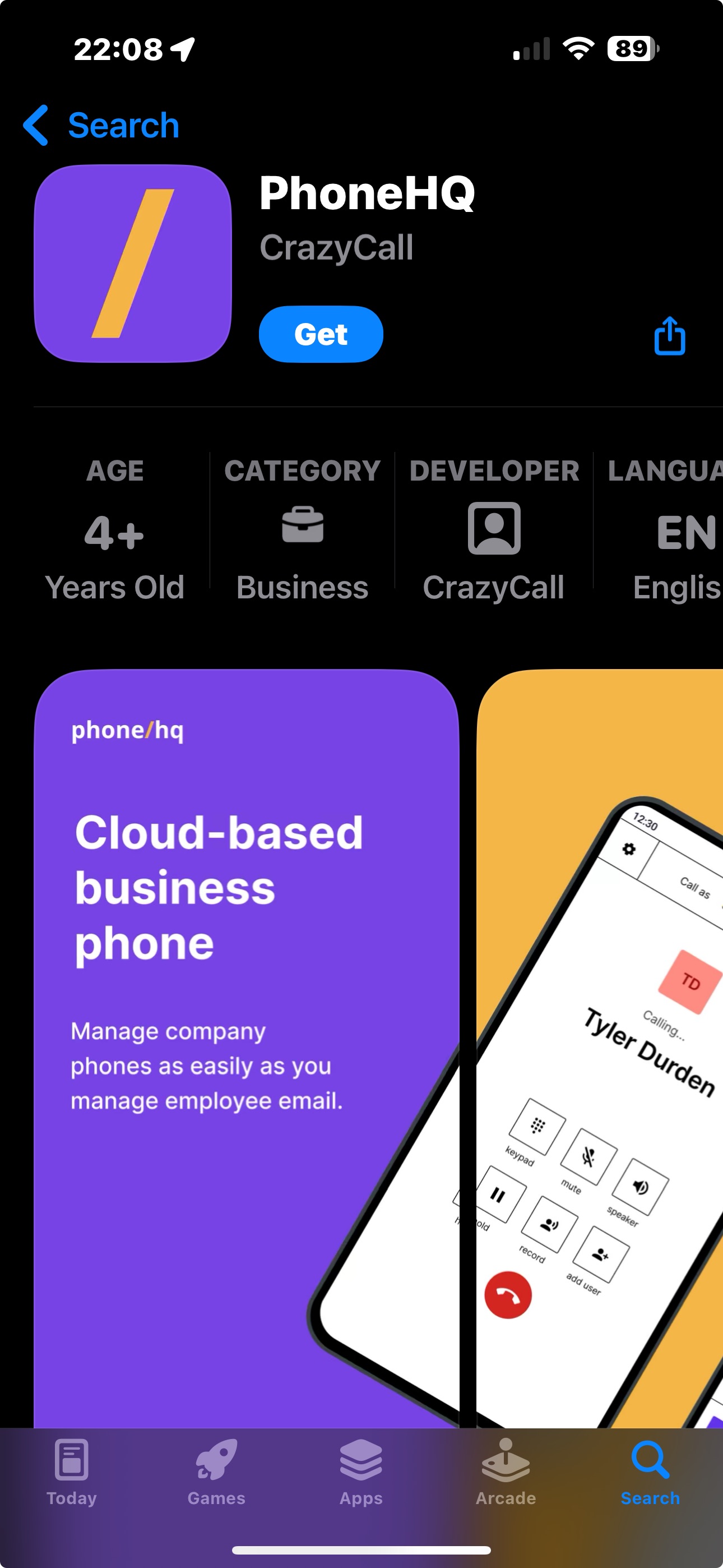
Once the installation is complete, you can open the app directly from the same screen or locate it in your phone’s app list.
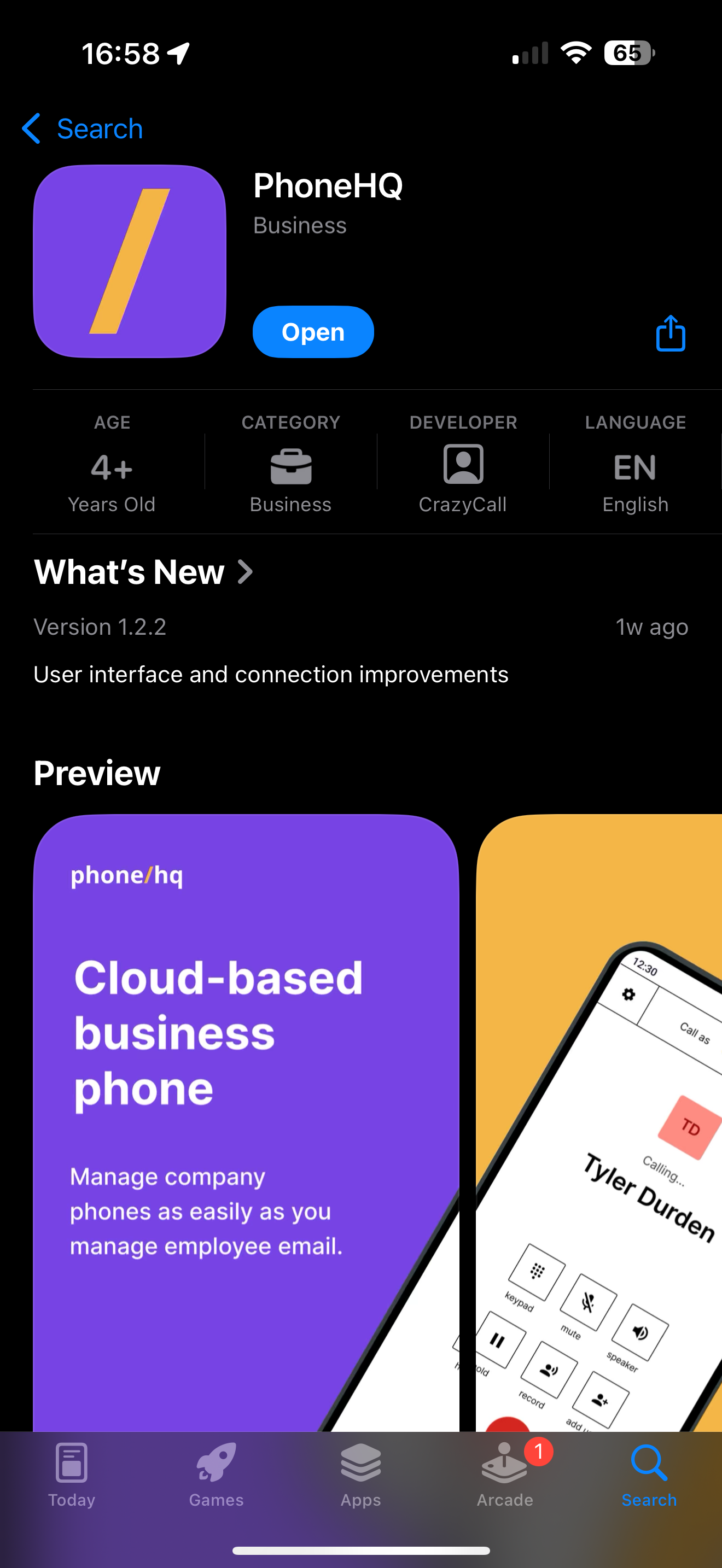
When you open the app for the first time, you can log in.
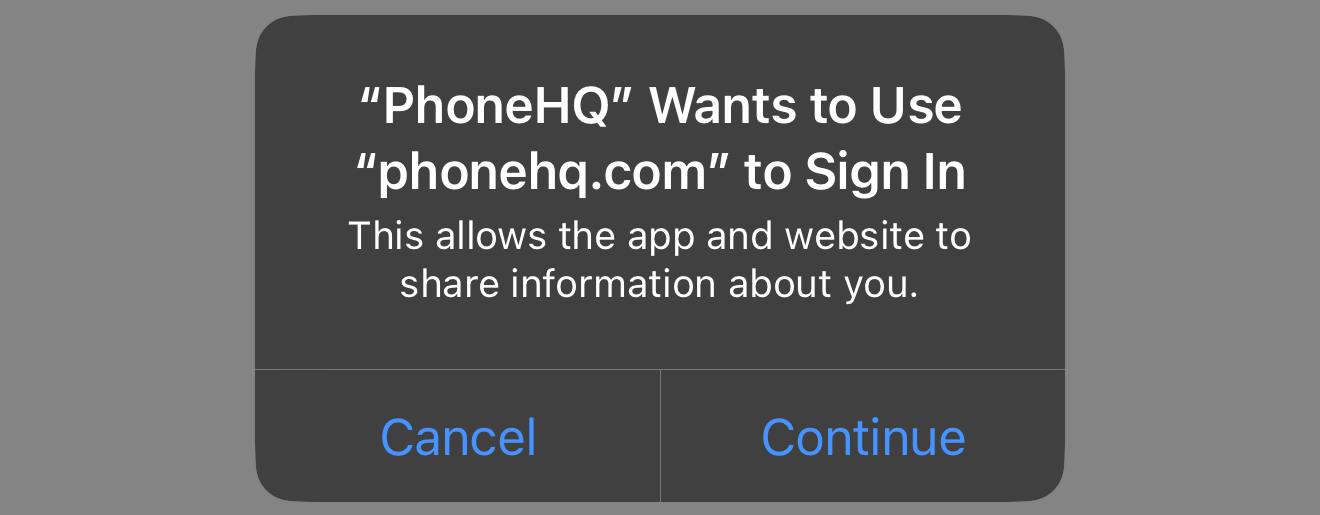
“PhoneHQ” wants to use “phonehq.com” to Sign in.
This allows the app and website to share information about you.
When you log in, we need to determine your user profile (based on e-mail and password or SSO and connect you to the correct account.
Since our system integrates the mobile app and web portal, you will be redirected to the website for authorization. After logging in, the process will continue in the app.
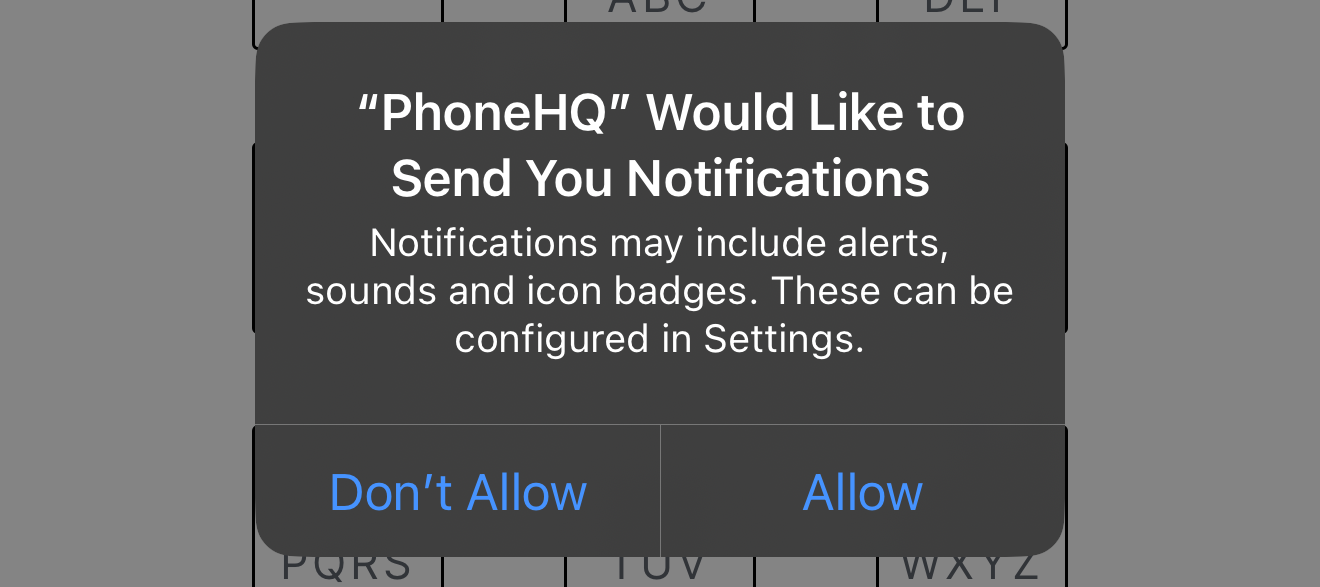
“PhoneHQ” would like to send you notifications.
Notifications may include alerts, sounds and icon badges. This can be configured in settings.
Notifications will inform you about events such as missed calls, incoming calls, or system updates.
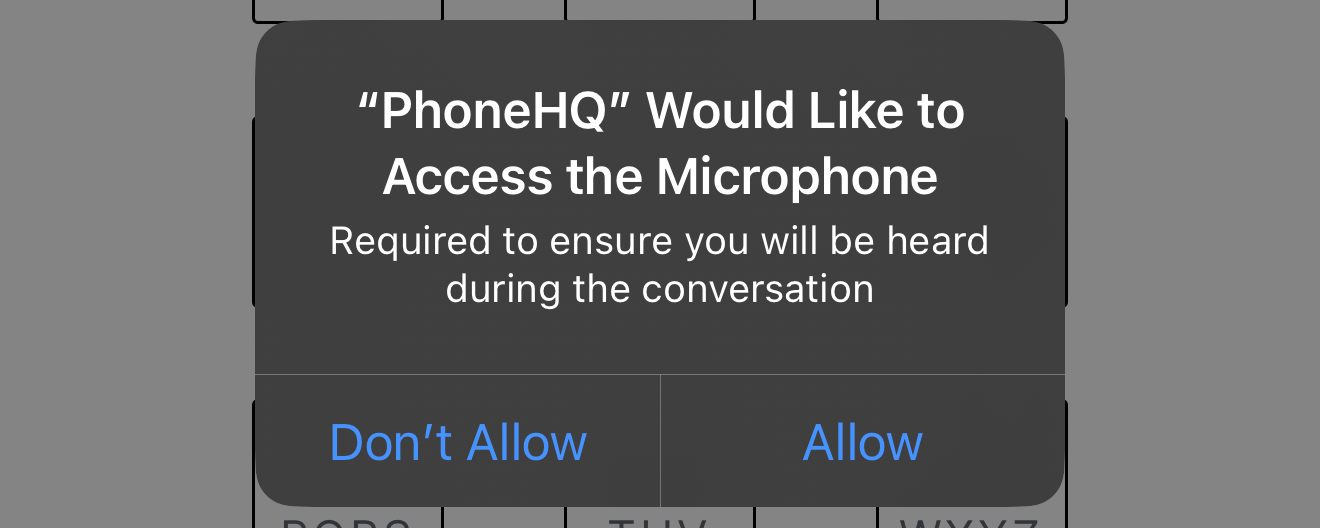
“PhoneHQ” would like to access the microphone”.
This permission is required to ensure that you can be heard during calls.
It is essential for the app’s core functionality, enabling seamless phone conversations.
Found a mistake or missing article? Contact PhoneHQ Support and let us know!
