Open the Play Store app on your phone and search for “PhoneHQ - Business Phone App”, or use this link.
Tap the “Install” button and wait for the system to download and install the app.
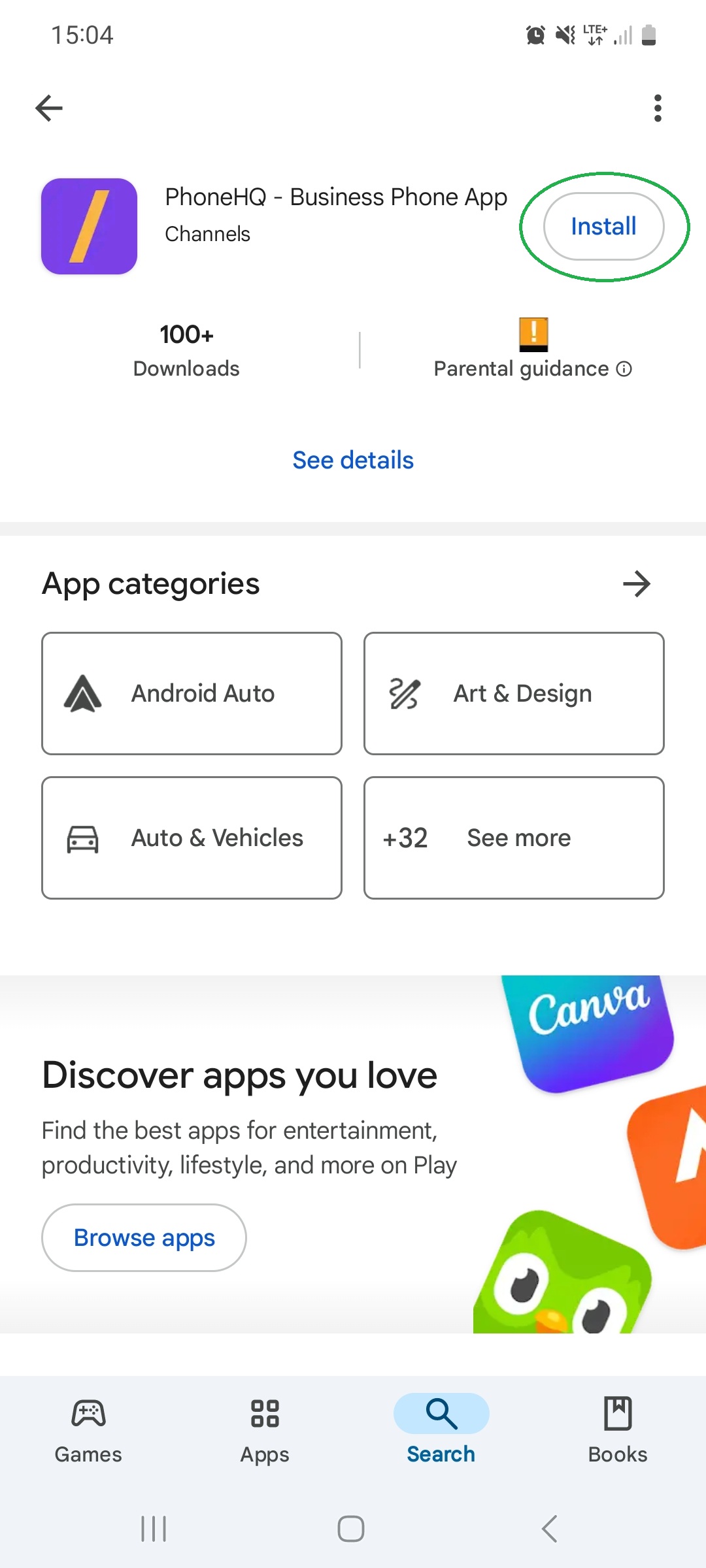
Once the installation is complete, you can open the app directly from the same screen or locate it in your phone’s app list.
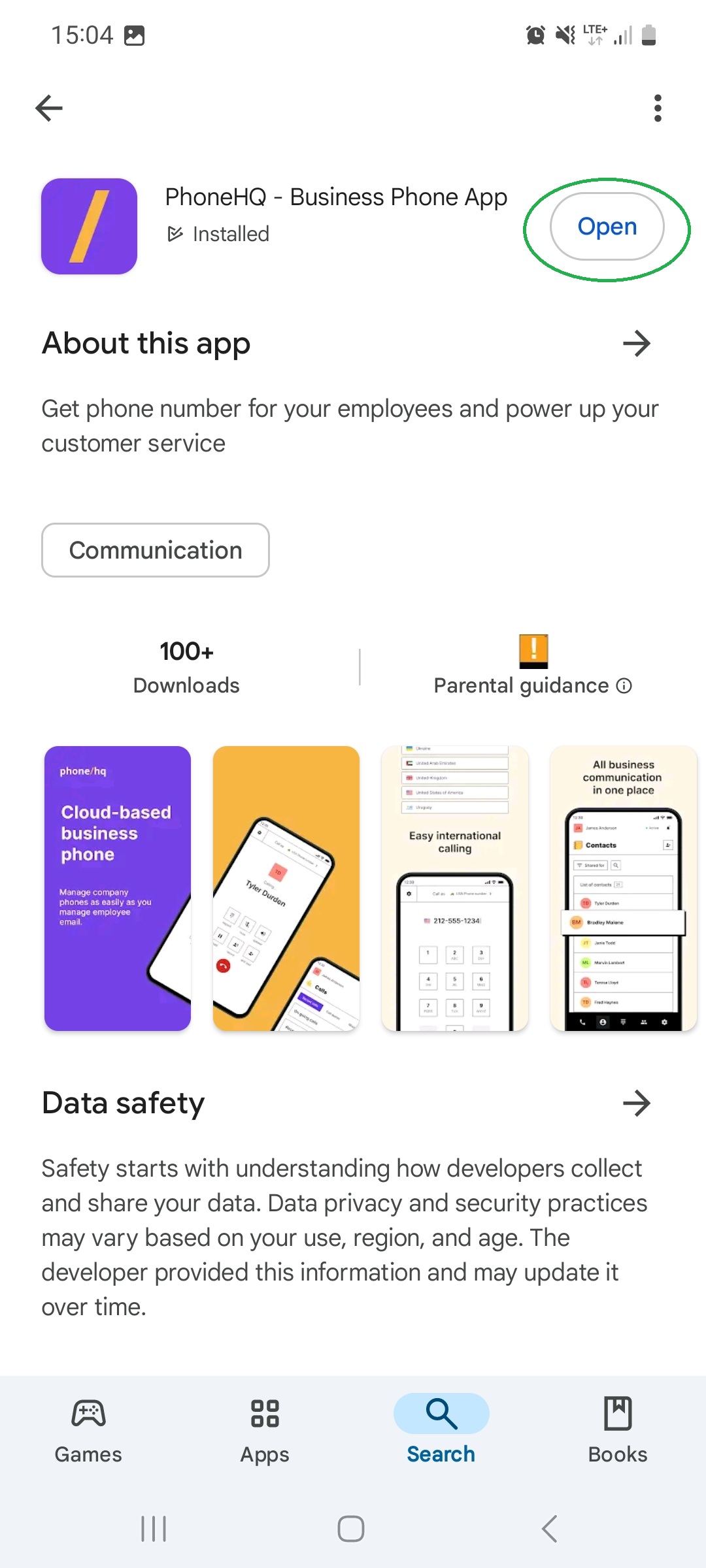
When you open the app for the first time, you can log in.
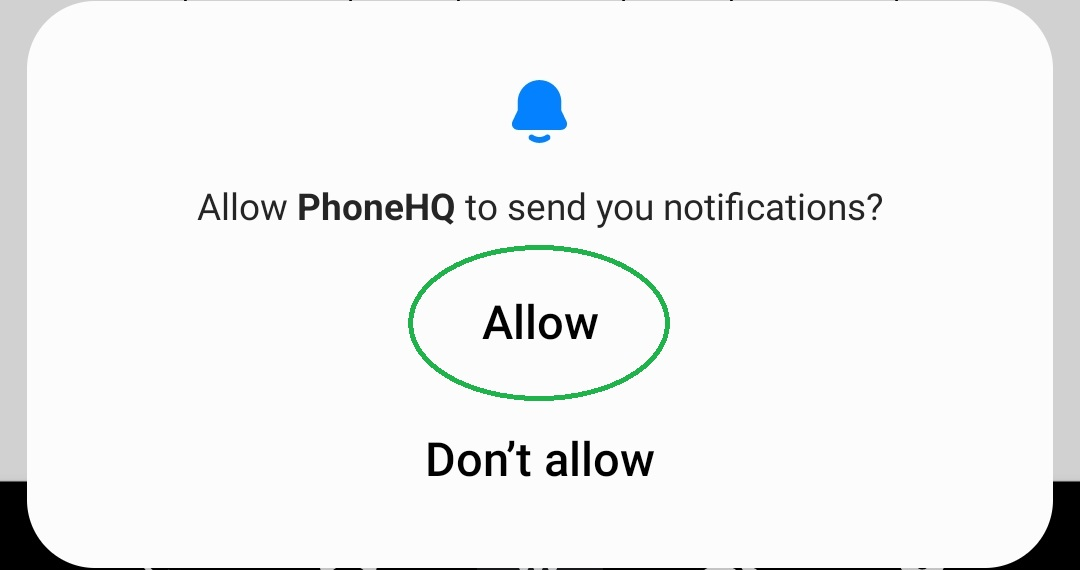
Allow PhoneHQ to send you notifications?
This permission is required to receive notifications about events, updates, and new activities on your profile. It is especially critical for processing incoming calls while the app is running in the background.
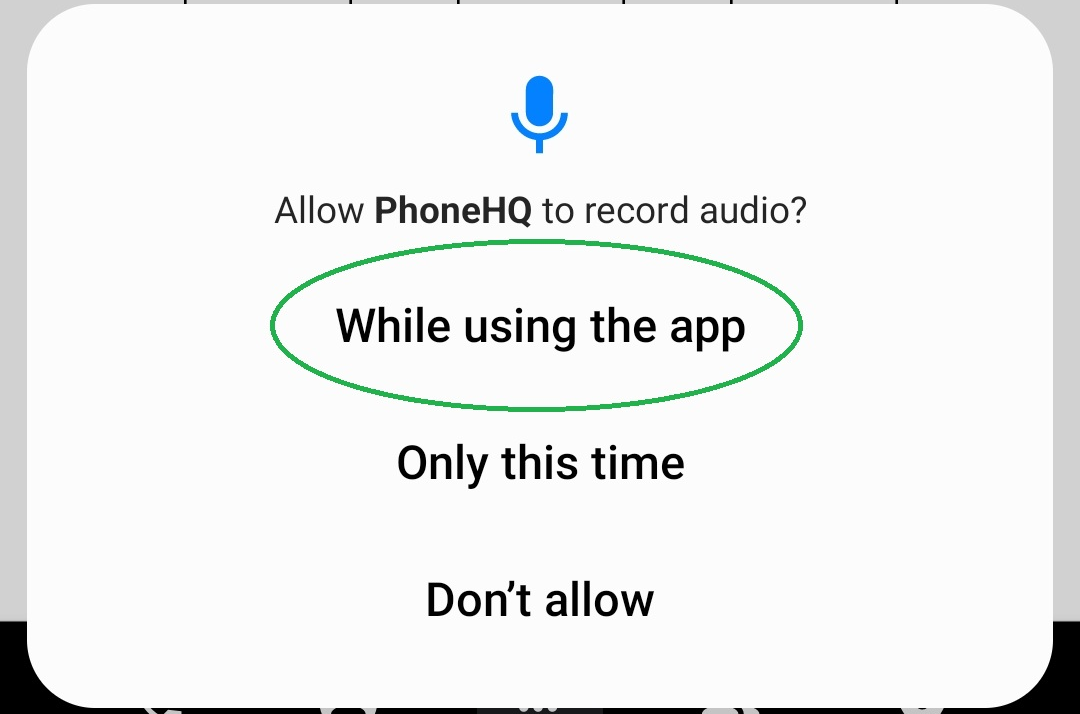
Allow PhoneHQ to record audio?
Granting this permission allows the app to access your microphone and speakers. As the app is designed for phone calls, this functionality is essential to provide the service.
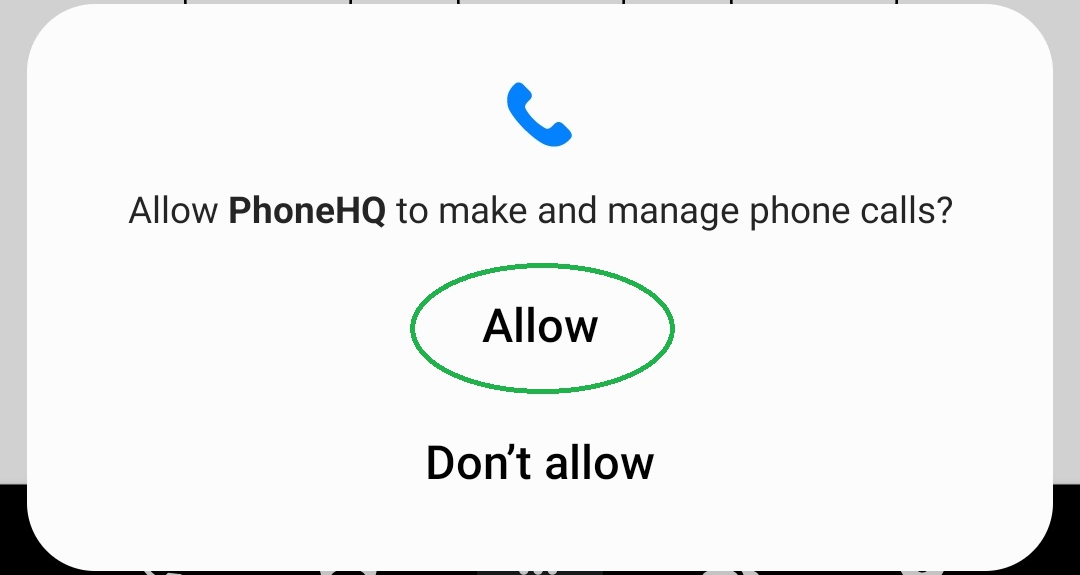
Allow PhoneHQ to make and manage phone calls?
This permission enables the app to integrate with your phone's native call screen. It is crucial for accepting or rejecting incoming calls, as well as ending ongoing ones.
By granting these permissions, you ensure that the app functions as intended and delivers a seamless calling experience.

1. Do I need to allow all the requested permissions?
Yes, to ensure full functionality. Without them, key features like call handling or notifications may not work properly.
2. Can I change permissions later?
Yes. Go to Settings > Apps > PhoneHQ > Permissions to adjust them.
3. Does the app use my personal mobile minutes?
No. PhoneHQ uses VoIP (Voice over Internet Protocol), so it works over Wi-Fi or mobile data.
4. Can I use the app without granting phone call permissions?
You can log in, but you won’t be able to make or receive calls if this permission is denied.
5. Why does the app need microphone access?
It’s required for two-way voice communication during phone calls.
6. What should I do if the app doesn't appear in my call screen?
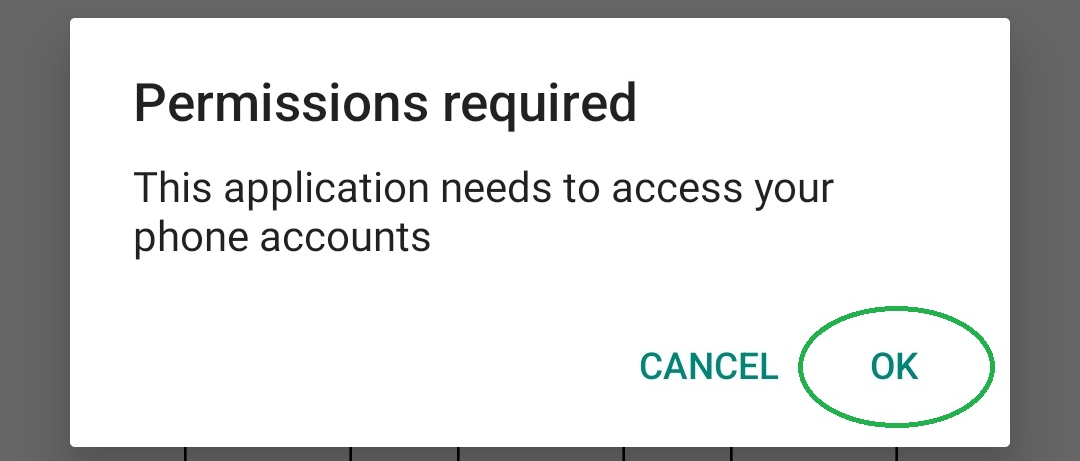
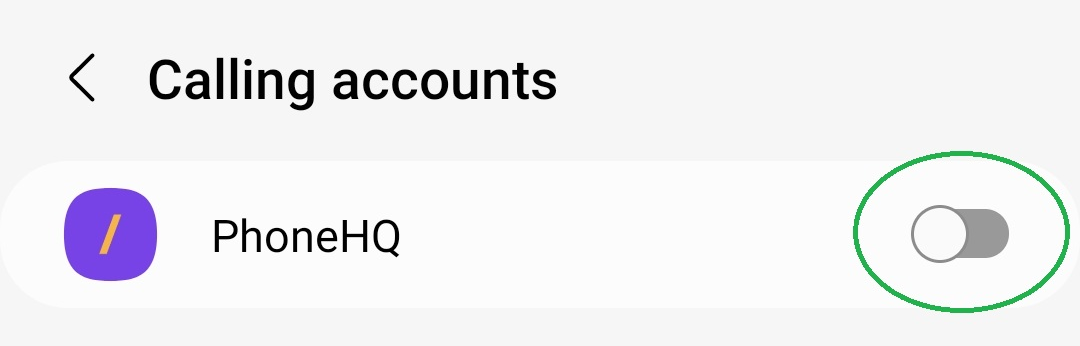
Check that PhoneHQ has access to your phone accounts under device settings.
Term | Definition |
PhoneHQ App | The mobile version of the PhoneHQ business phone system, available on Android and iOS. |
Permissions | System-level approvals required by the app to access hardware or services (e.g., microphone, notifications). |
VoIP (Voice over IP) | Technology that allows phone calls to be made over the internet rather than traditional phone lines. |
Native call screen | The default phone interface on Android where users answer, reject, or manage calls. |
Notifications | Alerts or pop-ups informing you of calls, messages, or system updates. |
Phone accounts access | A system setting that allows apps to integrate with your device’s dialer and call handling system. |
Found a mistake or missing article? Contact PhoneHQ Support and let us know!
