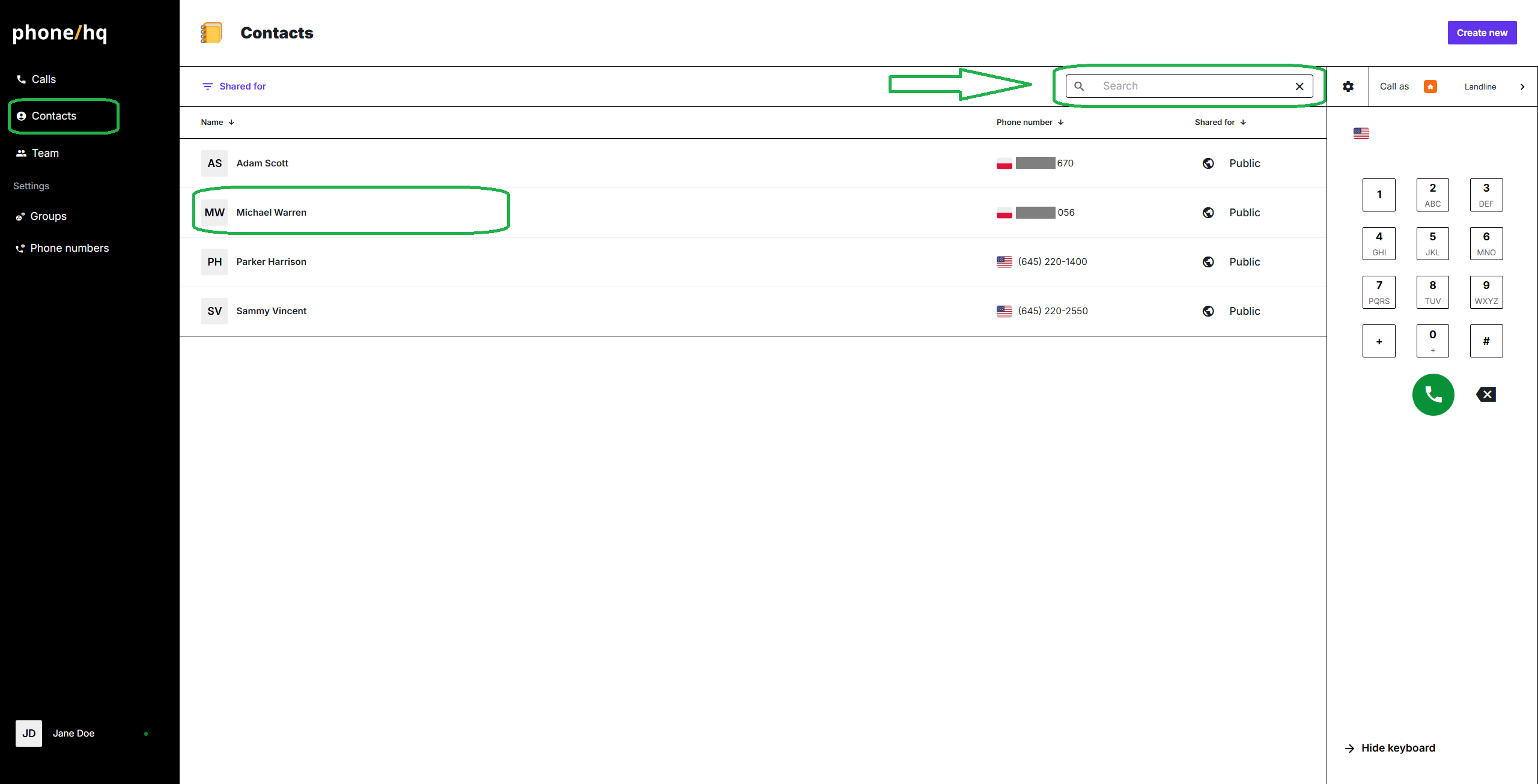
Enter the “Contacts” section, available on the left panel of the app.
Find the contact of your choice on the list. If it is not yet available, you can add the new contact at any time.
Click on the contact to open its details.
(Optional) Before starting the call, you can take a look at the dialer panel on the right side of the page to ensure the correct number is selected for making this call.
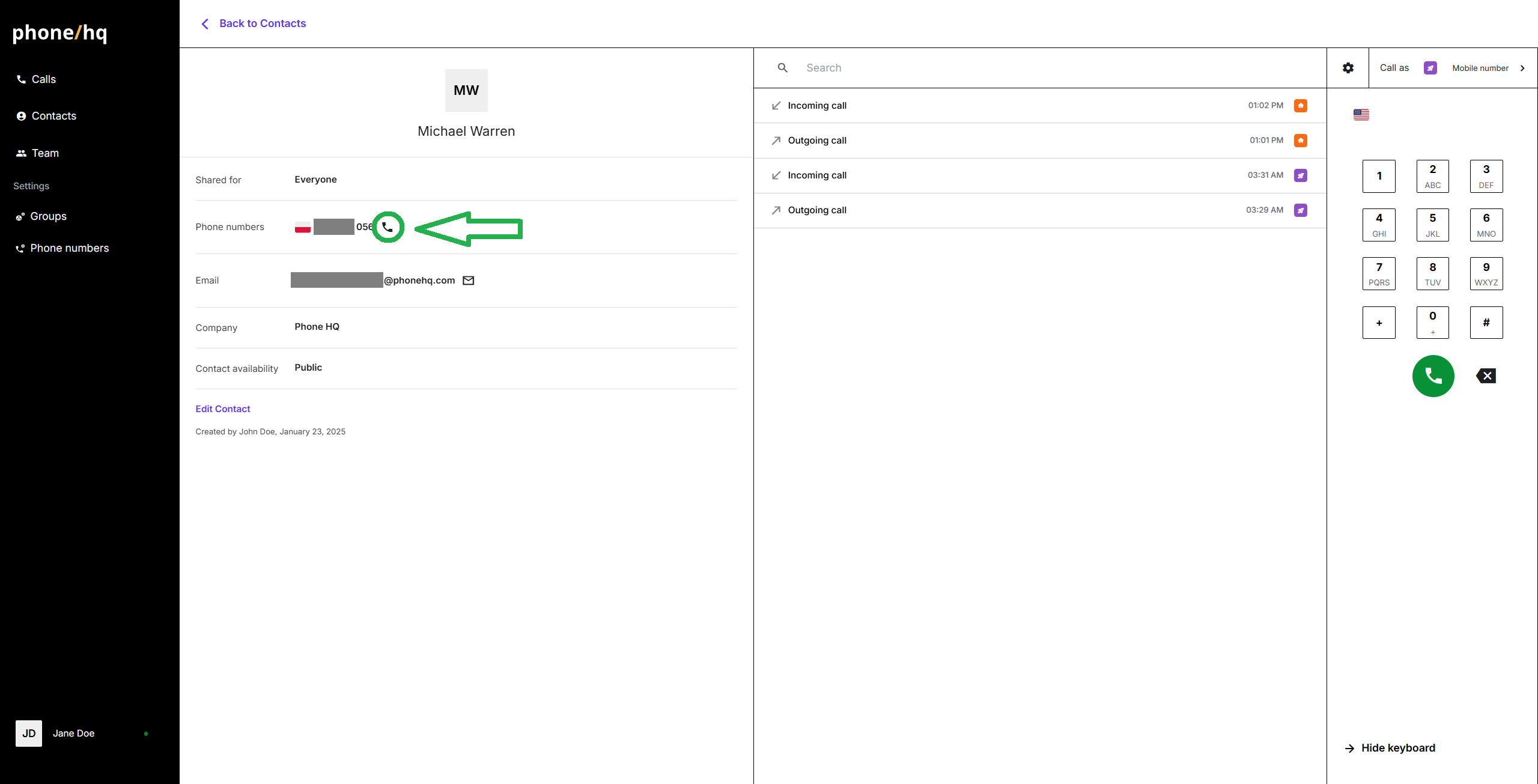
To initiate the call, click on the phone icon near the contact’s phone number. The call will start and appear as ongoing on the dialer panel.
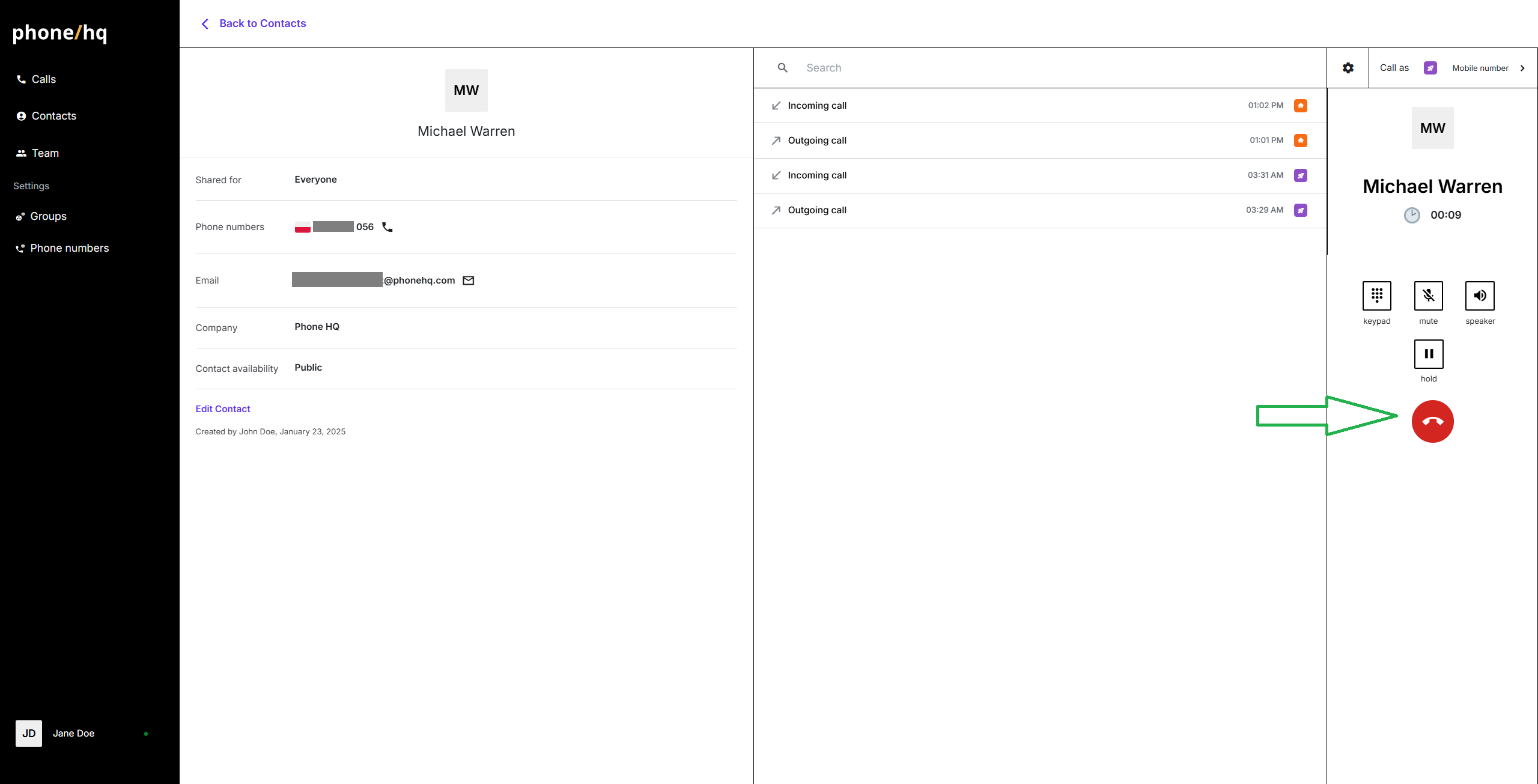
When your conversation is complete, you can end the call by clicking the red phone icon on the dialer panel.
Found a mistake or missing article? Contact PhoneHQ Support and let us know!
