Last update: 02/04/2025
Visit the PhoneHQ portal.
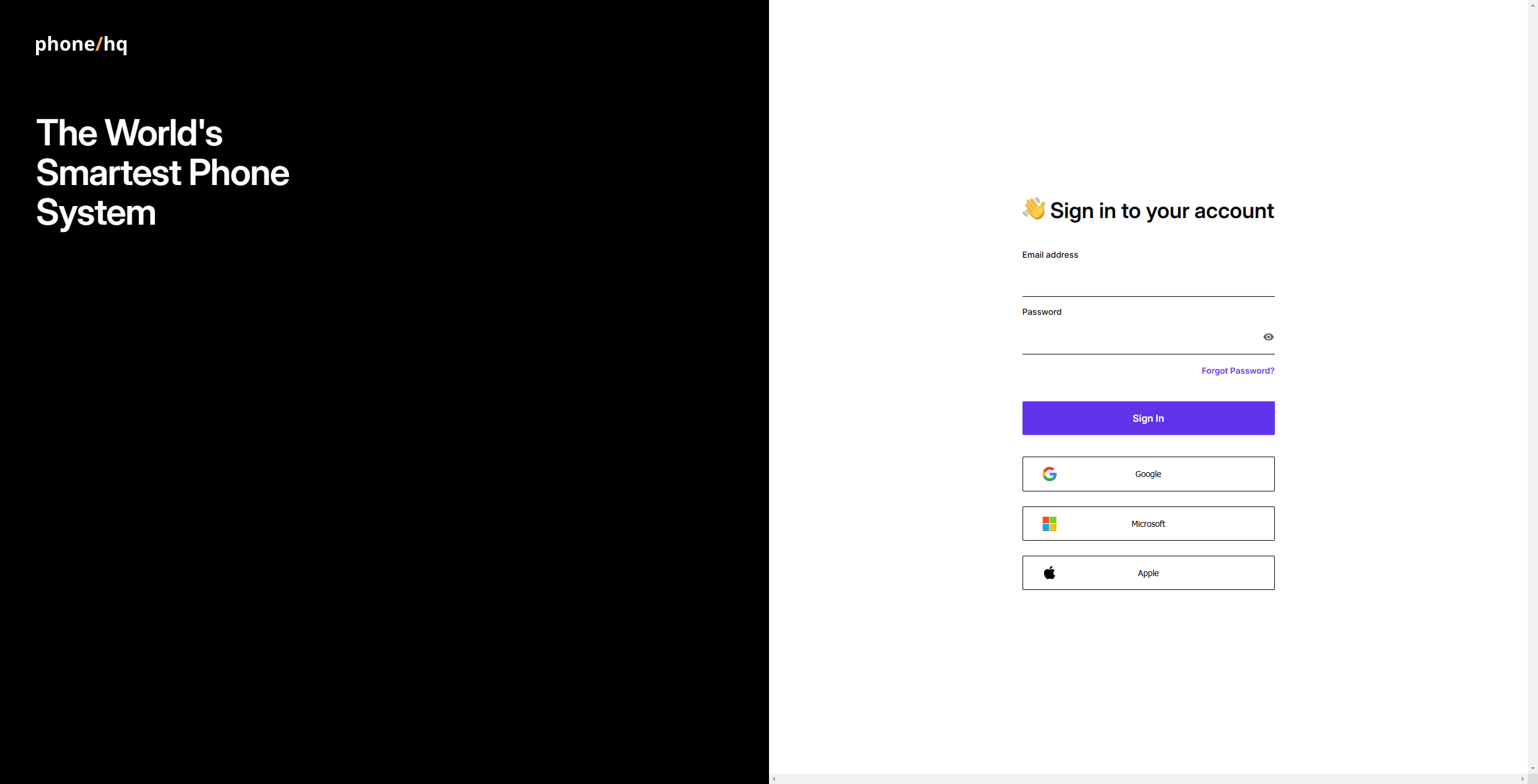
Enter your registered email address and password.
Press the “Sign In” button to log in.
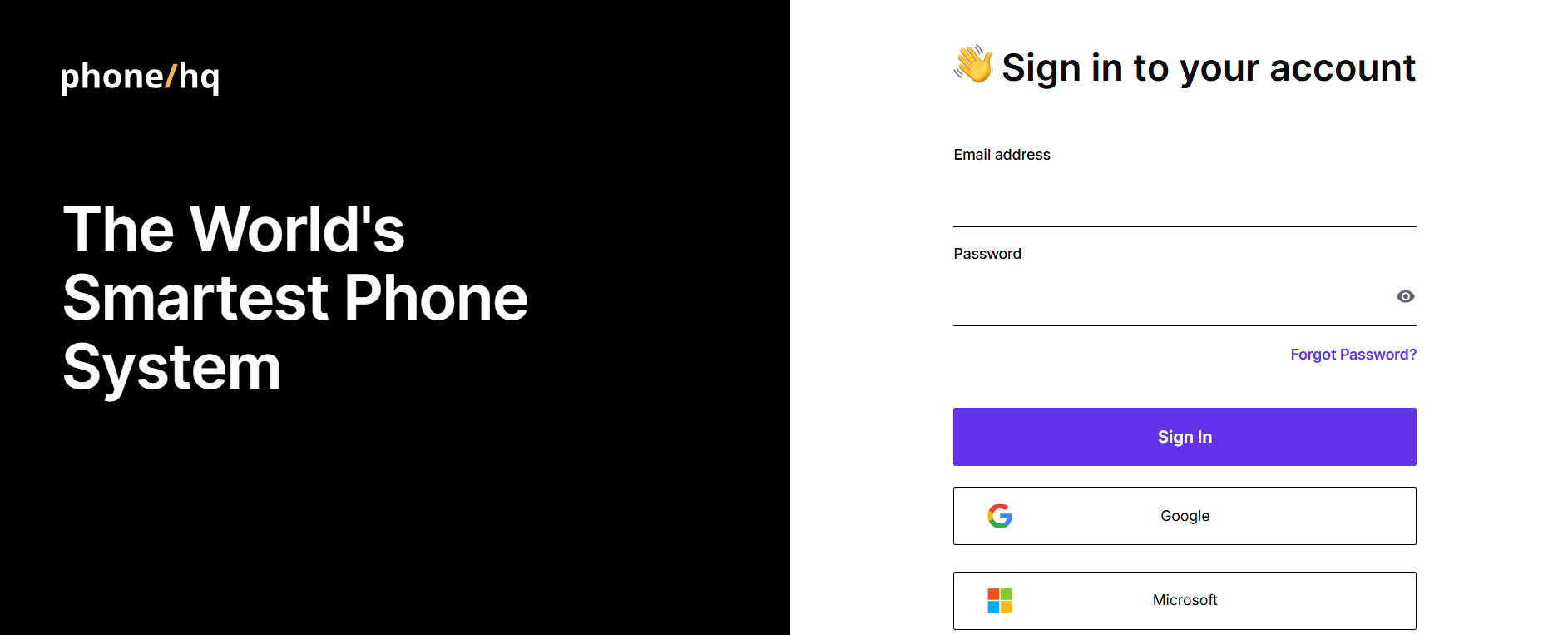
After logging in, you should see the Web App screen:
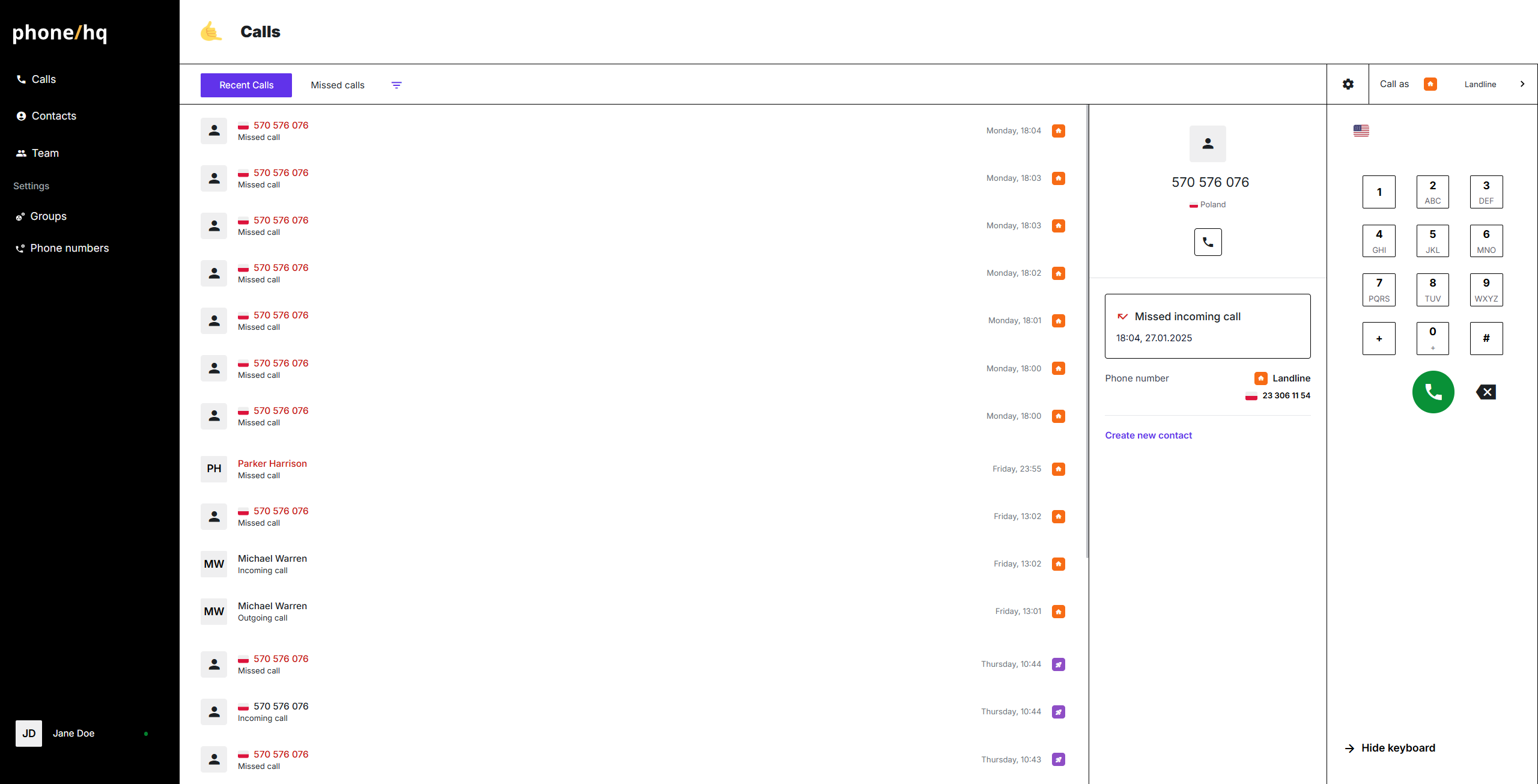
You can also log in using the Single Sign-On (SSO) feature with your Google Account or Microsoft Account.
Ensure your PhoneHQ profile is connected to the SSO account you wish to use.
If you have multiple SSO providers, make sure you select the correct one.
Log in with SSO step by step:
Visit the PhoneHQ portal.
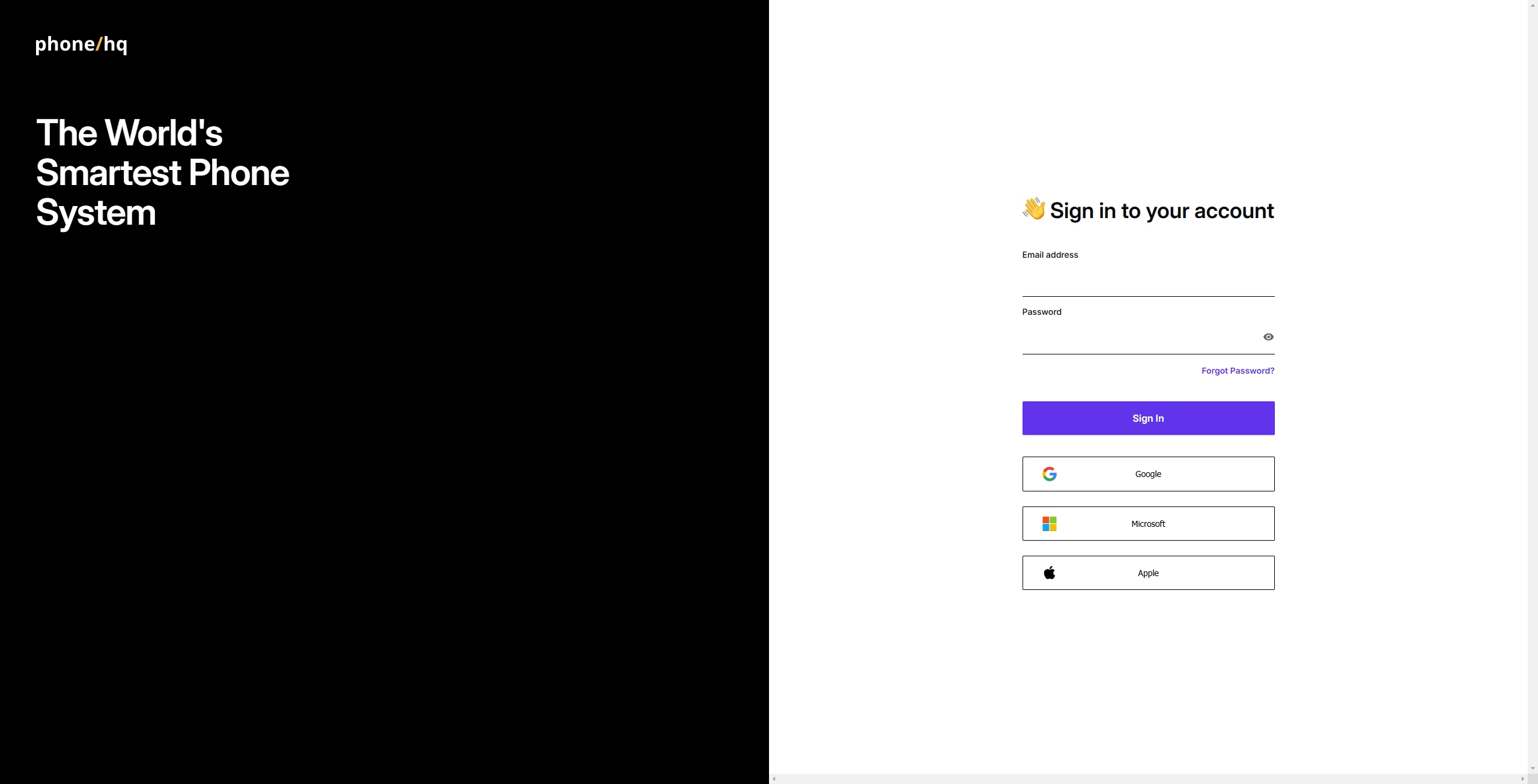
Click on the button of SSO provider you want to use.
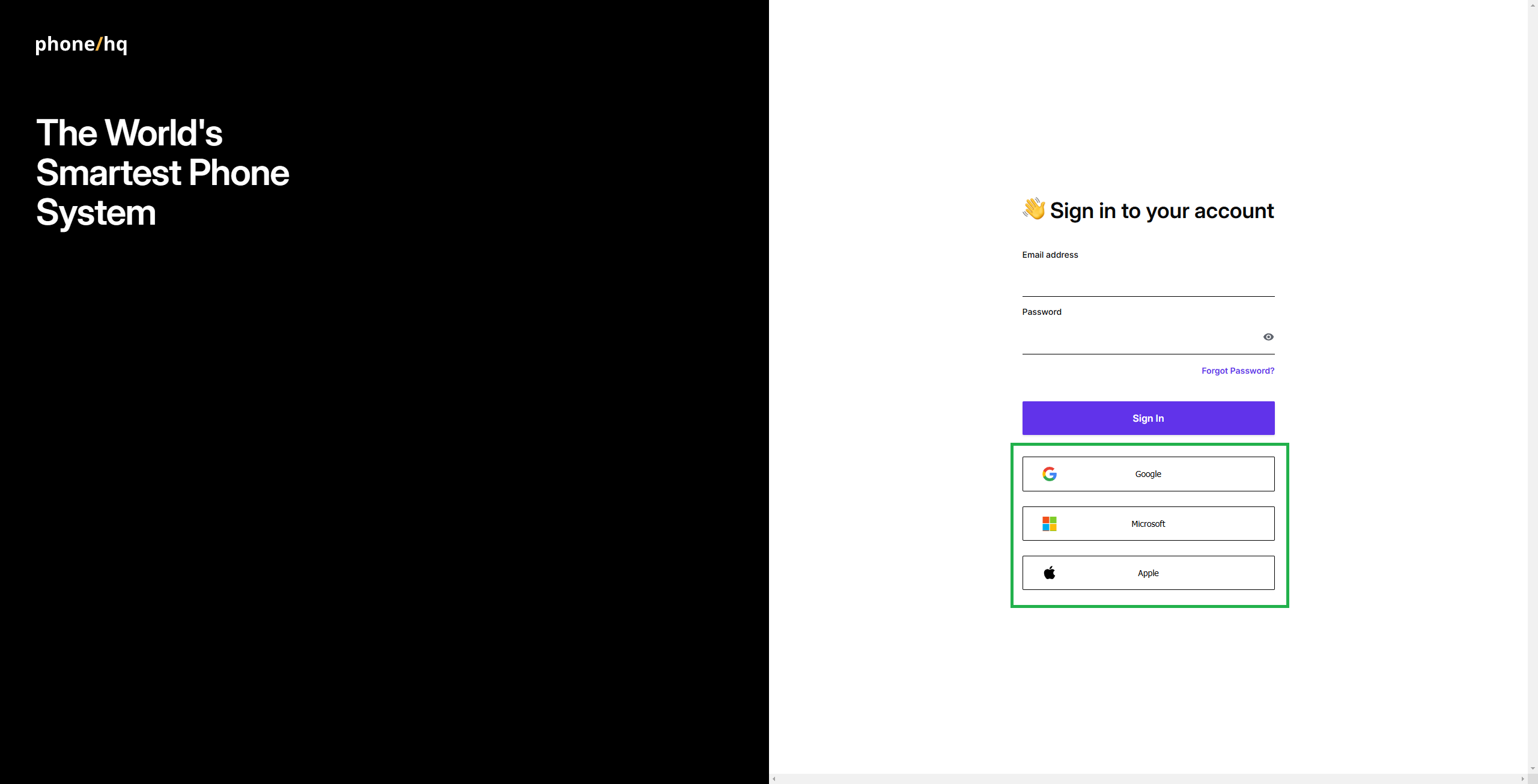
Follow SSO provider instruction on their page.
Encountered an issue? Check the “Issues when using SSO to log in” page to find a solution.
1. What if I forgot my password?
Use the “Forgot Password?” link on the login page to reset it via email.
2. Can I switch from email login to SSO later?
Yes. You can connect your SSO provider in your account settings after logging in.
3. I have multiple Google/Microsoft accounts. Which one should I use?
Make sure to use the one that’s linked to your PhoneHQ profile. If unsure, contact support.
4. Is SSO more secure than using a password?
Yes. SSO adds a layer of security through identity provider verification, often including multi-factor authentication (MFA).
5. What should I do if I can’t log in?
Check your login details, try another method (e.g., SSO if password fails), or contact PhoneHQ Support.
6. How do I know my login is secure?
PhoneHQ uses industry-standard encryption and secure authentication protocols, including HTTPS and token-based access.
Apple ID sign-in is not currently supported. Future availability will depend on customer demand.
Term | Definition |
Web portal | The browser-based interface where you log in to access your PhoneHQ account. |
SSO (Single Sign-On) | A login method that lets you access PhoneHQ using an existing account from a trusted provider (Google, Microsoft, Apple). |
SSO provider | The service (e.g., Google, Microsoft, Apple) that authenticates your login credentials. |
Multi-factor authentication (MFA) | A security feature that requires additional verification beyond a password, such as a code sent to your phone. |
Web App screen | The main interface of the PhoneHQ platform you see after logging in. |
Secure authentication | Methods used to verify user identity while protecting data from unauthorized access. |
Found a mistake or missing article? Contact PhoneHQ Support and let us know!
