If multiple phone numbers are added to your caller profile, you can choose which one to use for each call.

Please, follow the instructions below to choose a number to be used for a call.
(optional) You can check all your numbers and their registered countries in "Phone numbers" panel on the left side menu.
Navigate to the dialer panel, located on the right side of the screen.
Click on the “Call as” bar to view the list of numbers available to you.
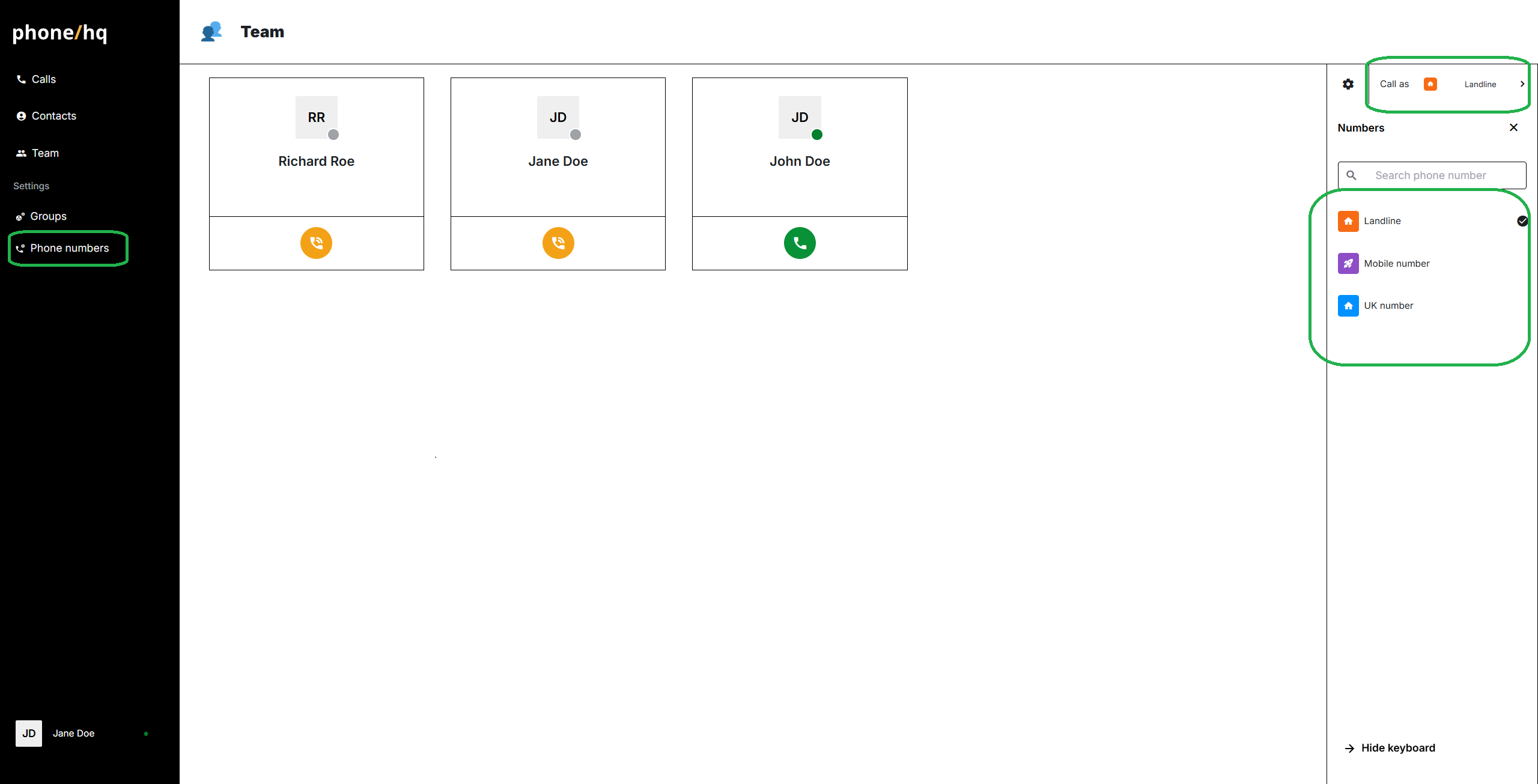
Chose a number from the list by clicking on it.
This selected number will be used for your calls until you choose another.
Found a mistake or missing article? Contact PhoneHQ Support and let us know!
