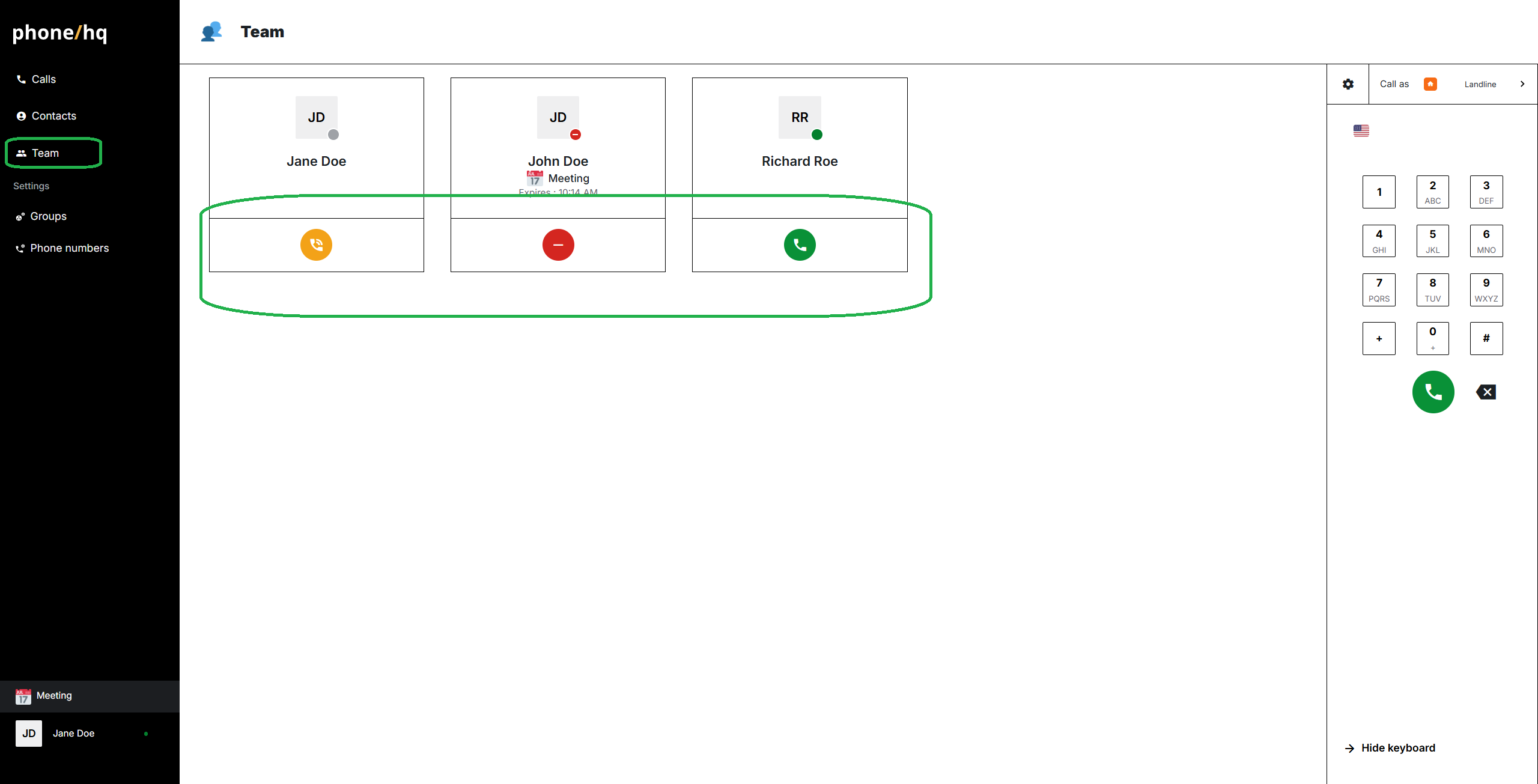
Navigate to the “Team” section, located on the left side menu.
Find the person you want to call, and check their status:
green means they're available, so you can call them,
yellow means that they are not logged in, or in the call. It's not possible to call them.
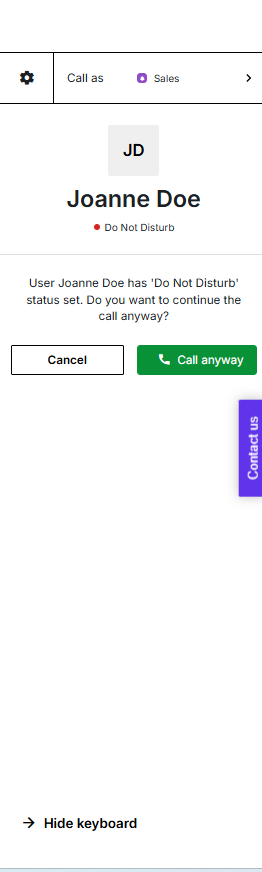
red means that they’ve set up “do not disturb” status. You can call this user after clicking ‘Call anyway’ in the call panel.

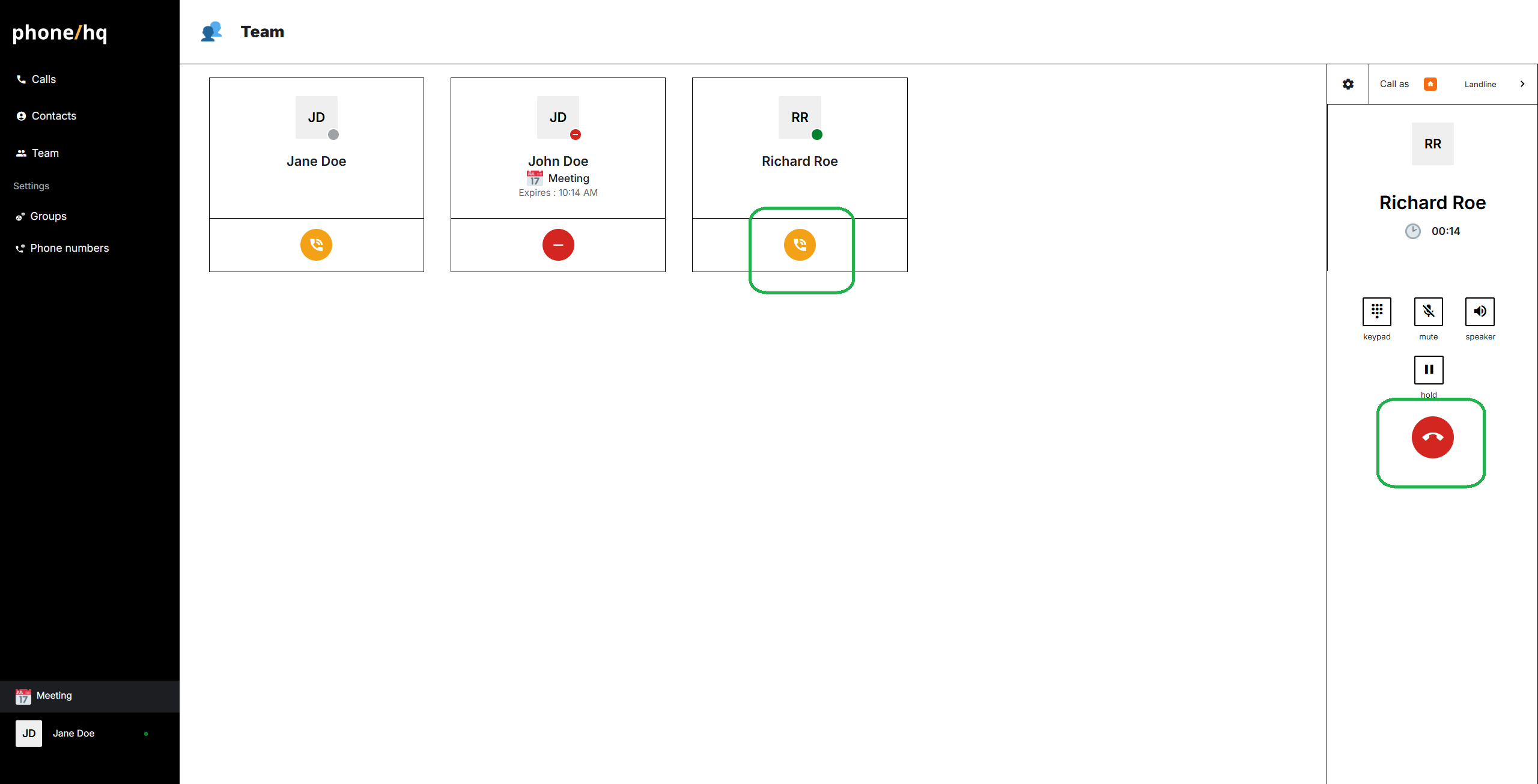
To initiate the call, click the phone icon below the name. The call will start and appear as ongoing on the dialer panel.
When your conversation is complete, you can end the call by clicking the red phone icon on the dialer panel.
Found a mistake or missing article? Contact PhoneHQ Support and let us know!
