Last update: 11/03/2025
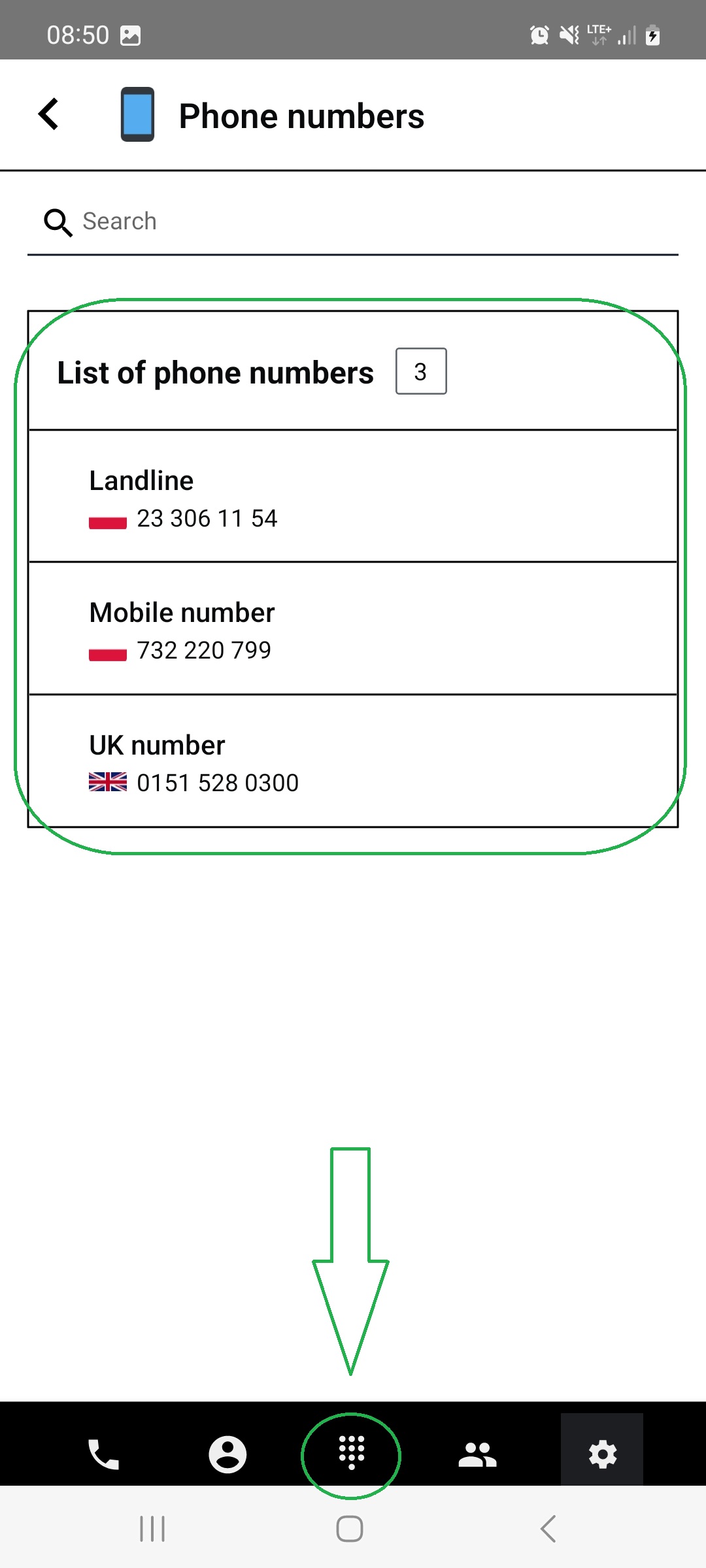
(optional) To check all your numbers and their registered countries:
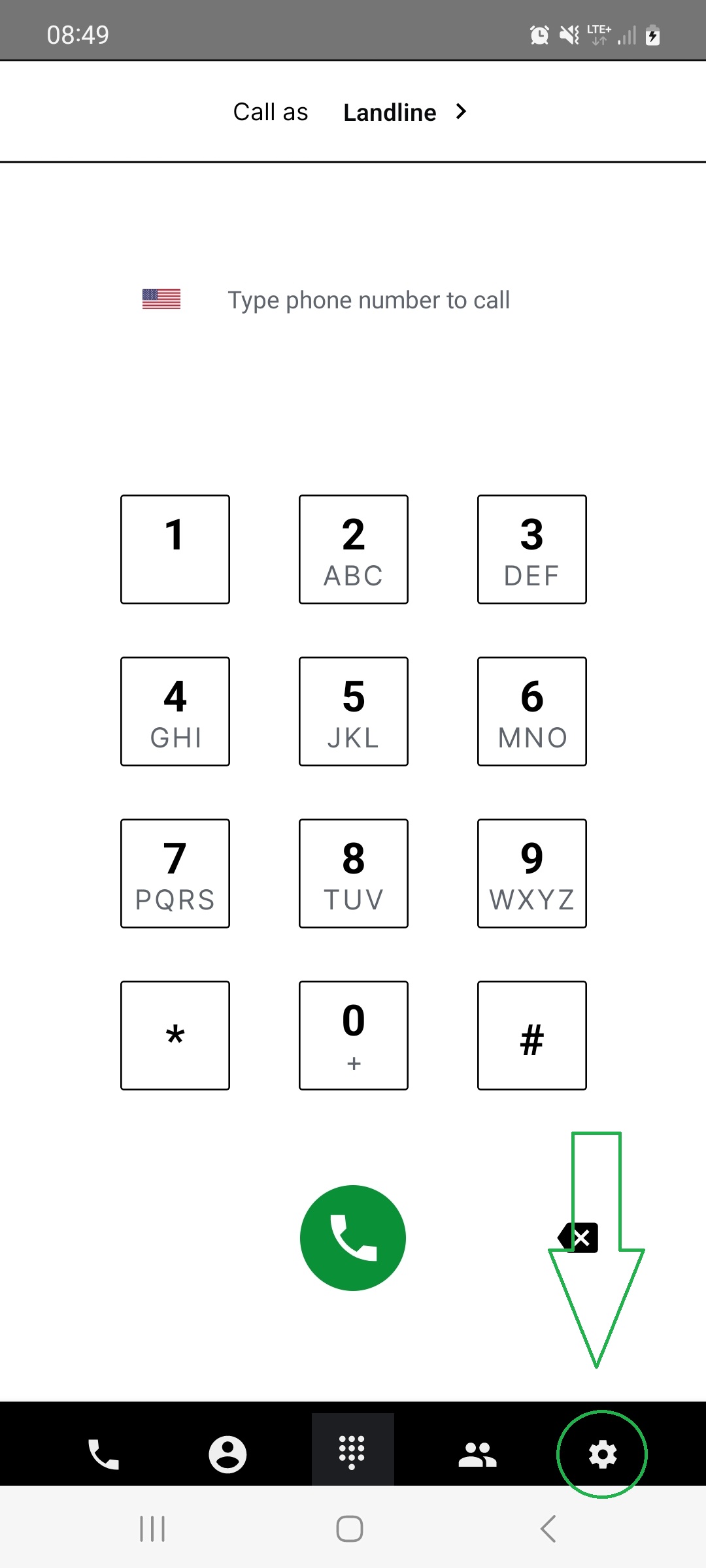
Go to "Settings" located under the gear wheel button on the bottom menu.
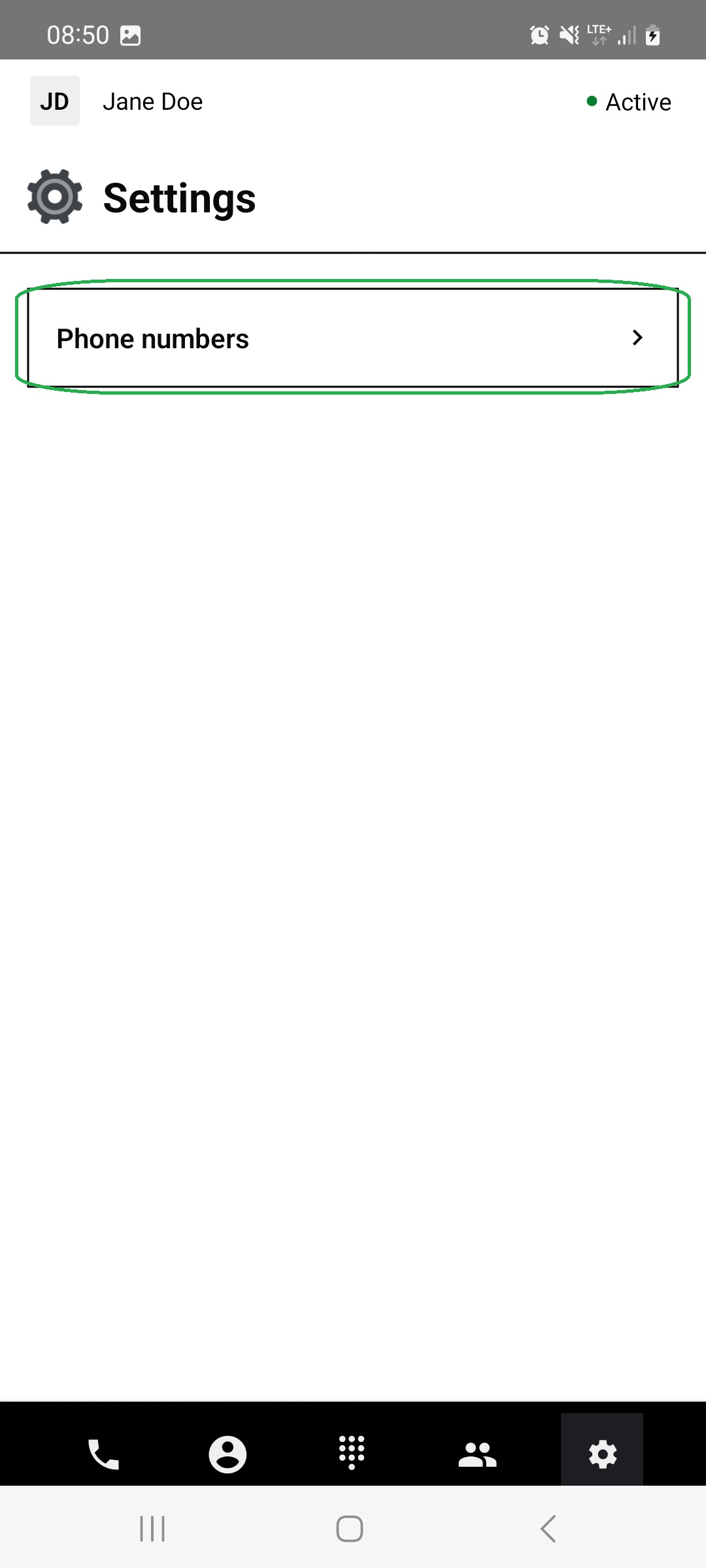
Tap on "Phone numbers" bar.
You can see all your available numbers and their registered countries there.
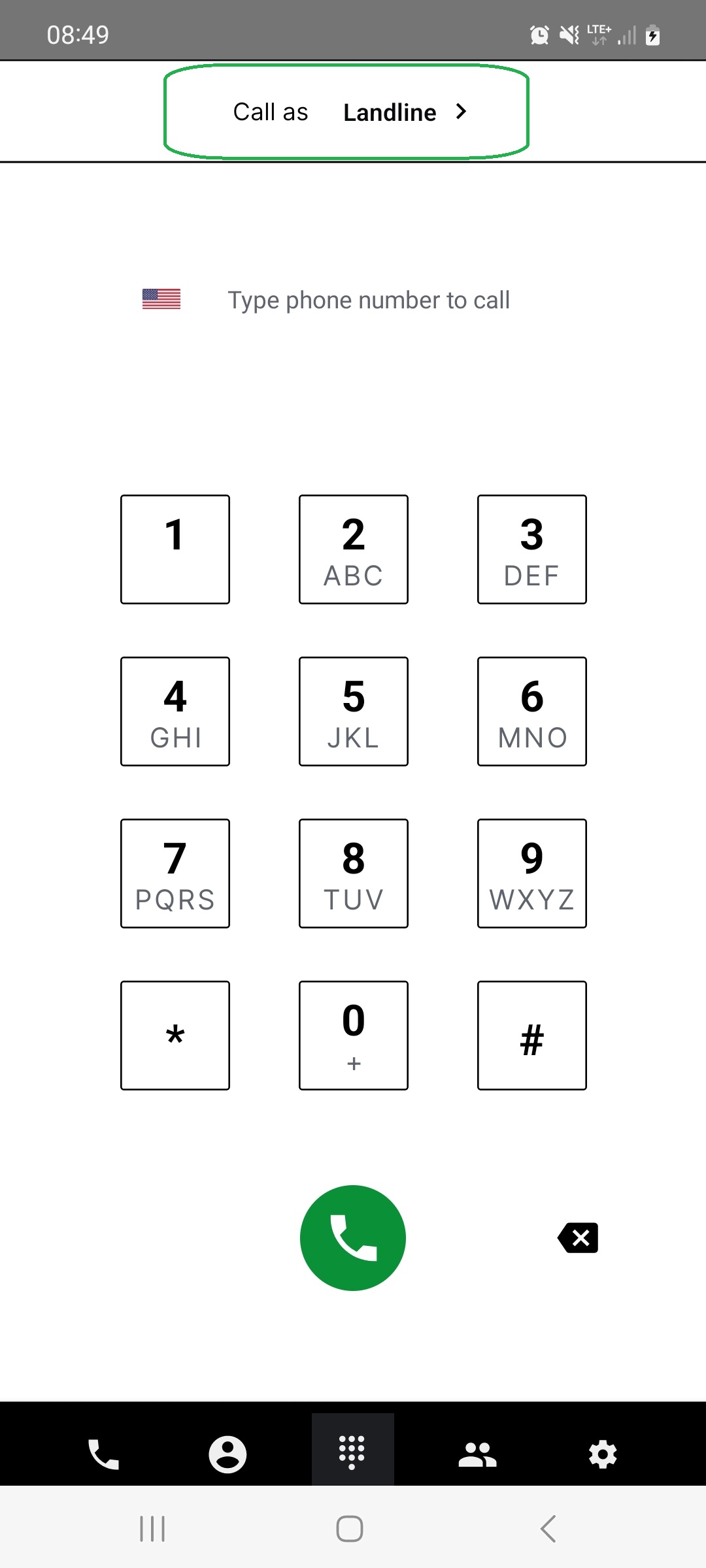
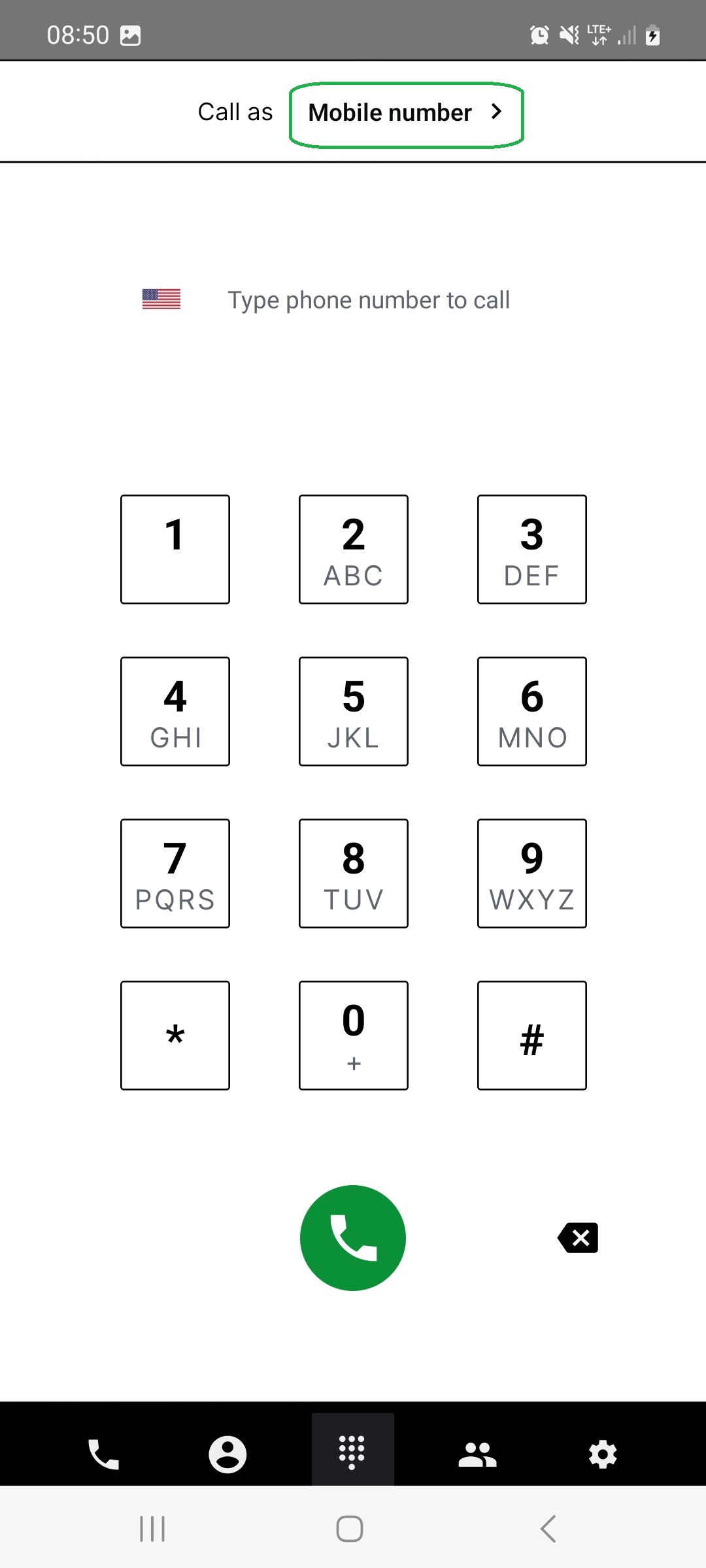
If the dialer panel is not visible, tap the middle icon on the bottom menu.
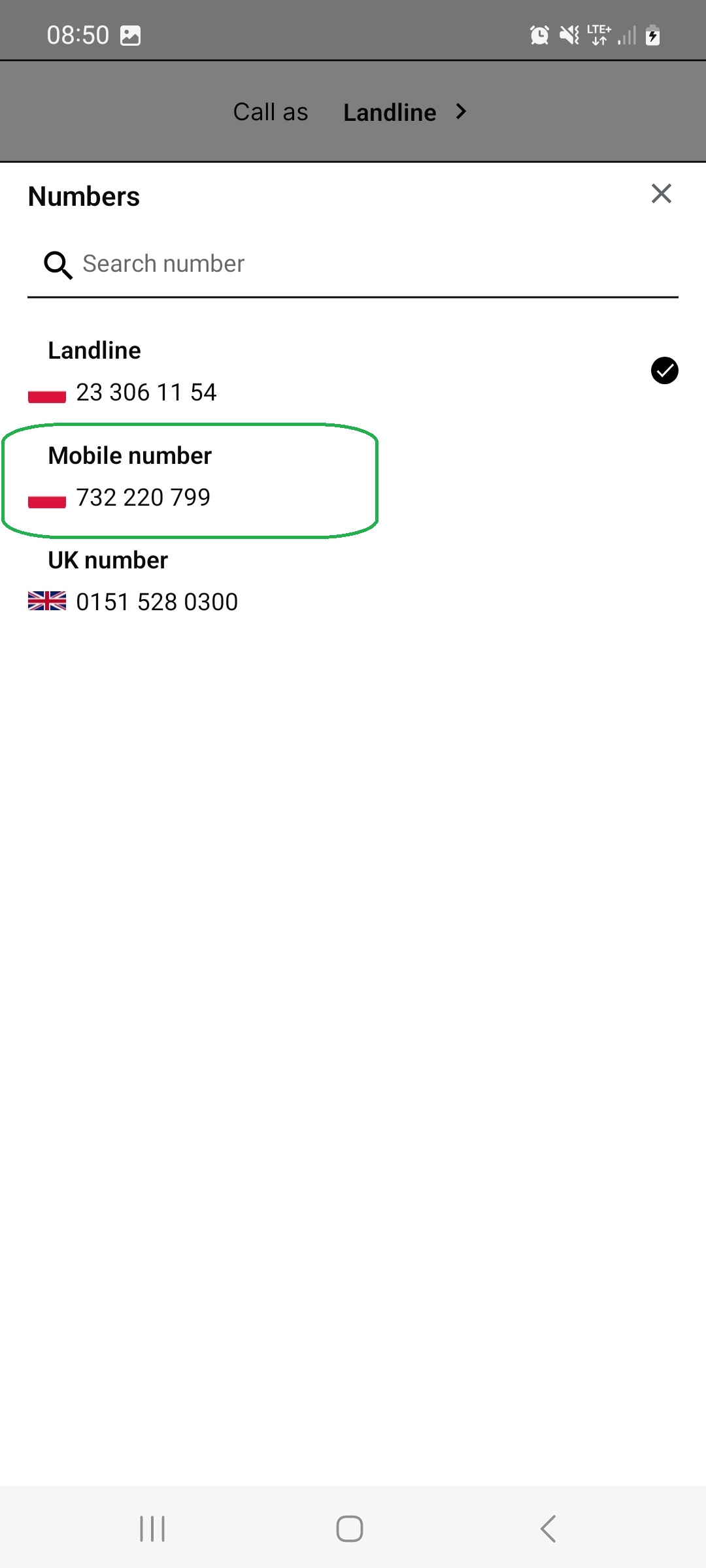
Tap the “Call as” bar at the top of the screen.
Choose a number from the list by tapping on it.
This selected number will be used for your calls until you choose another.
Found a mistake or missing article? Contact PhoneHQ Support and let us know!
