Last update: 06/08/2026
Step 1: Download and install the app.
Depending on your platform, you may need to follow an Android or iOS installation guide.
Step 2: Choose a Login Method:
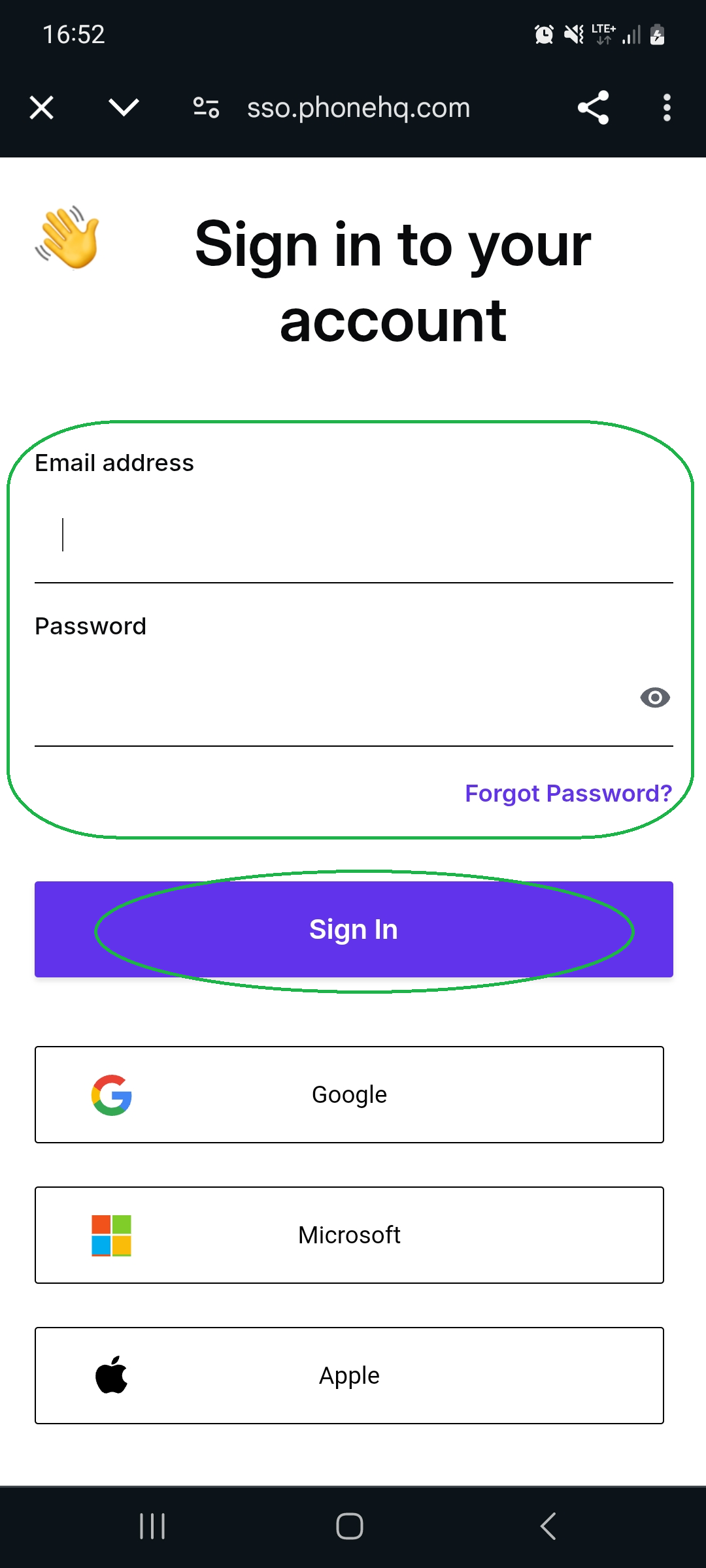
Enter the email address associated with your PhoneHQ account.
Enter your password.
Press the “Sign In” button.
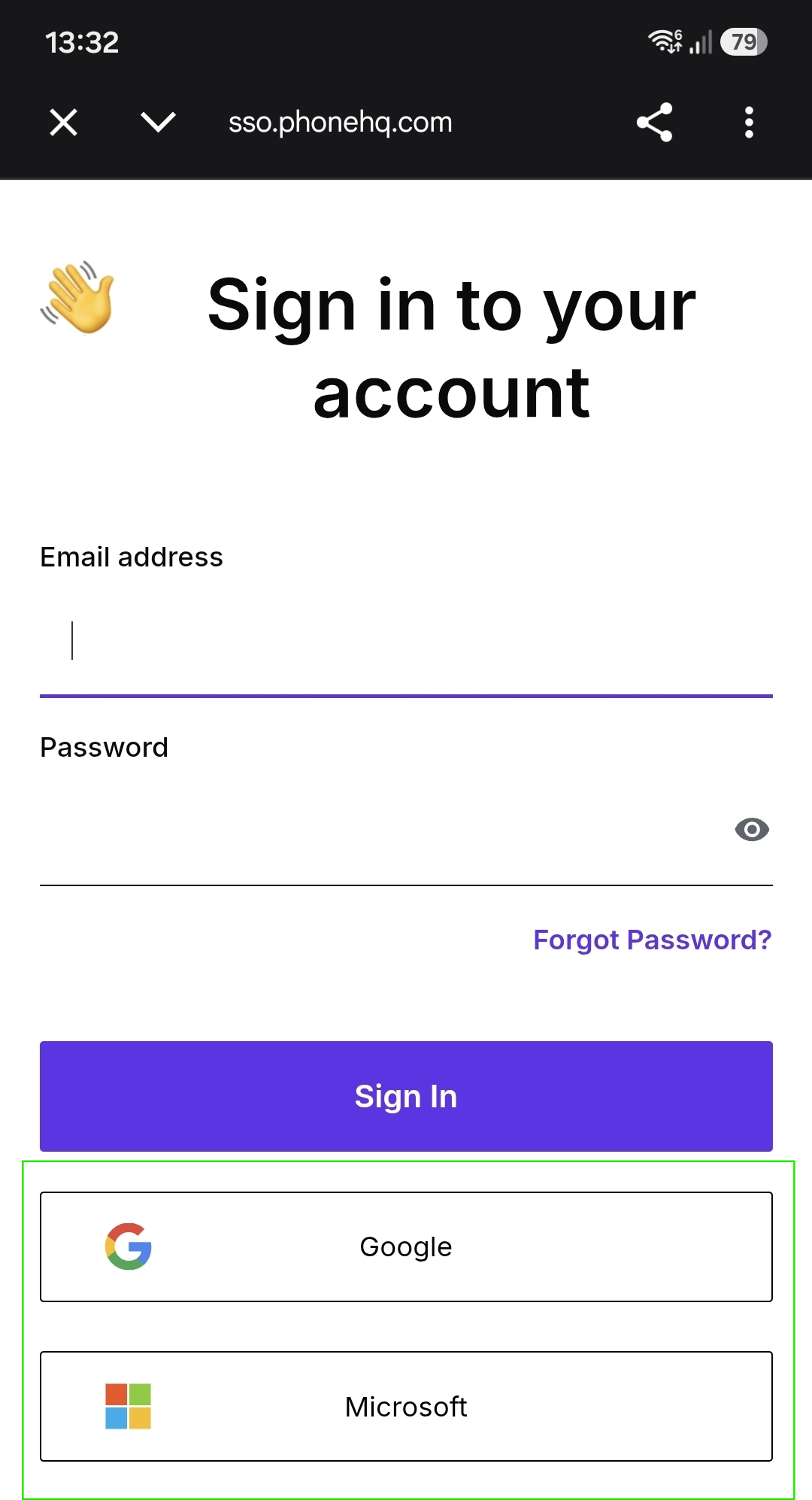
Choose one of the available options: Google or Microsoft by tapping the corresponding button at the bottom of the screen.
You will be redirected to your SSO provider’s page.
If you are already logged in on your device, select your profile.
If not, log in to your SSO provider.
After successful authorization, you will be redirected back to PhoneHQ.
Completion
Once logged in, you should see the dialer panel, indicating that you have successfully accessed your account!
1. Do I need to use the same login method every time?
No, you can switch between email/password and SSO, as long as both are linked to your PhoneHQ account.
2. What if I forgot my password?
Use the “Forgot Password?” link on the login screen to reset it via email.
3. My SSO login isn’t working. What should I do?
Ensure your PhoneHQ profile is linked to the correct Google/Microsoft. If issues persist, contact PhoneHQ Support
4. Can I stay logged in on the app?
Yes. You’ll remain logged in unless you manually sign out or uninstall the app.
5. Is mobile login secure?
Yes. PhoneHQ uses encrypted connections, secure token-based authentication, and supports multi-factor authentication through SSO providers.
Glossary of Terms
Term | Definition |
PhoneHQ Mobile App | The mobile application that enables users to make and receive business calls on their Android or iOS devices. |
Login with Email and Password | A traditional method of signing in using your registered email and a secure password. |
Single Sign-On (SSO) | A method that allows users to log in using credentials from trusted providers like Google or Microsoft. |
SSO Provider | A third-party service that verifies your identity for SSO login (e.g., Google). |
Dialer Panel | The main interface of the mobile app where users can dial numbers and manage calls. |
Authorization | The process of verifying your identity through an SSO provider before accessing your account. |
Found a mistake or missing article? Contact PhoneHQ Support and let us know!
