You can record your voice or upload an existing recording (MP3 or WAV, up to 16MB).

Follow these steps to set up a voice message:
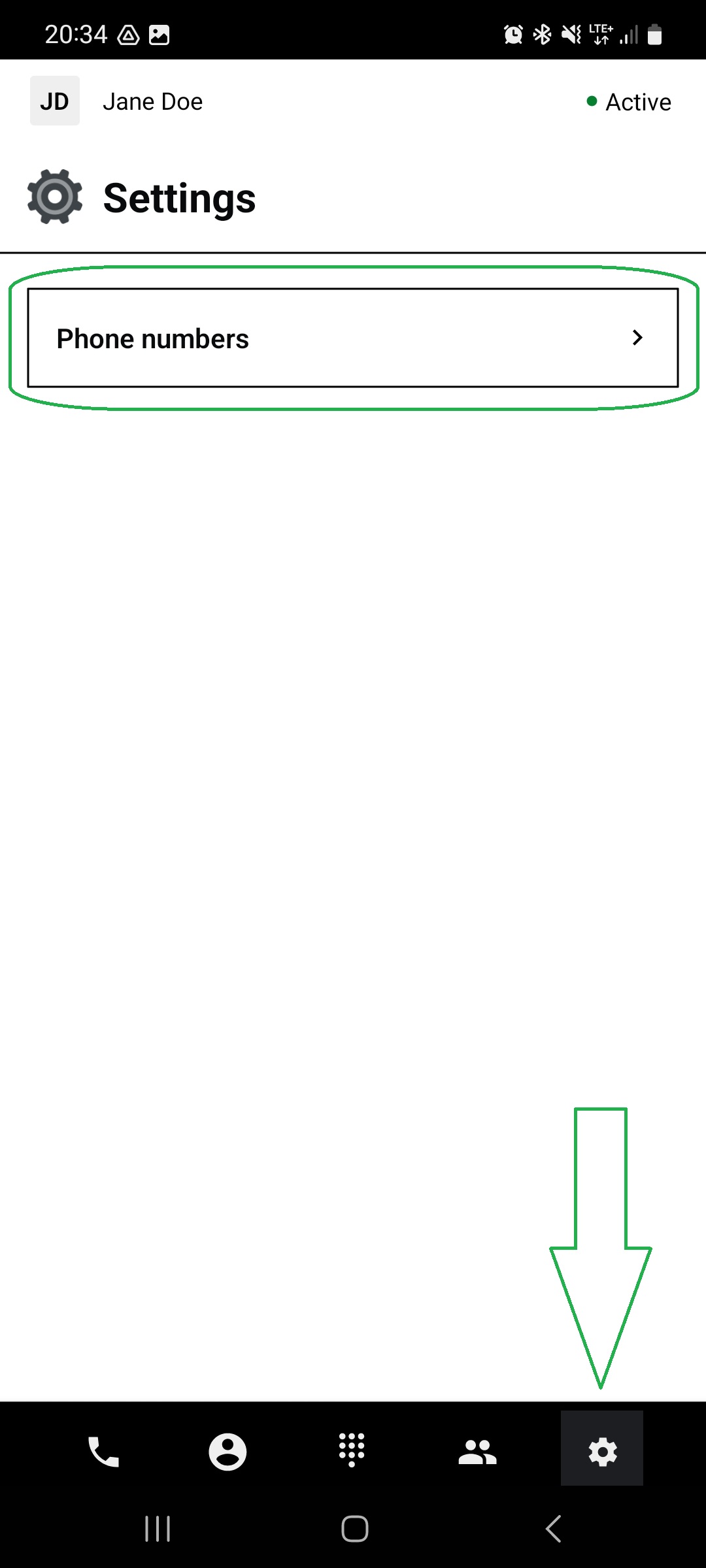
Go to “Settings”, accessible via the first icon from the right on the bottom menu bar.
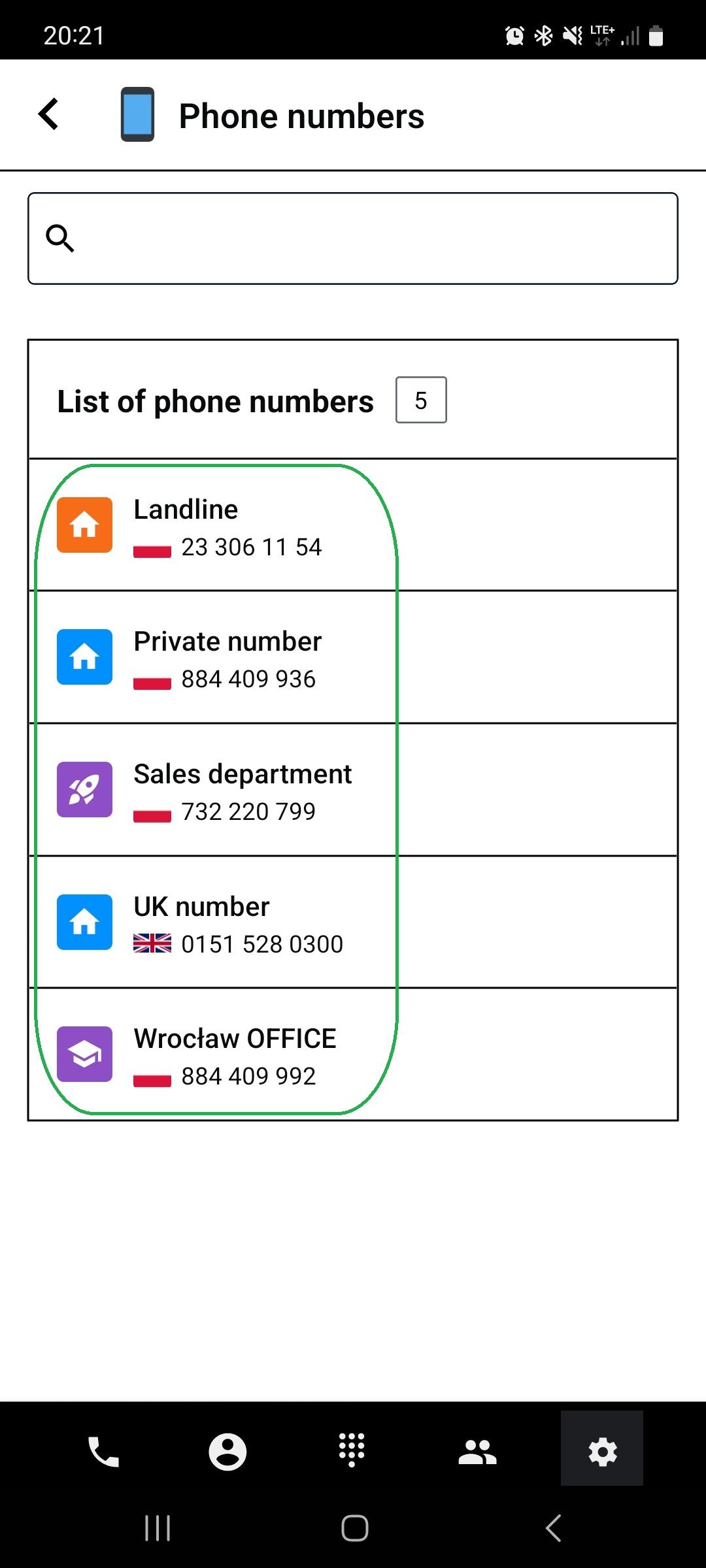
Tap on “Phone numbers”.
Tap on the number you want to set up a welcome message for.
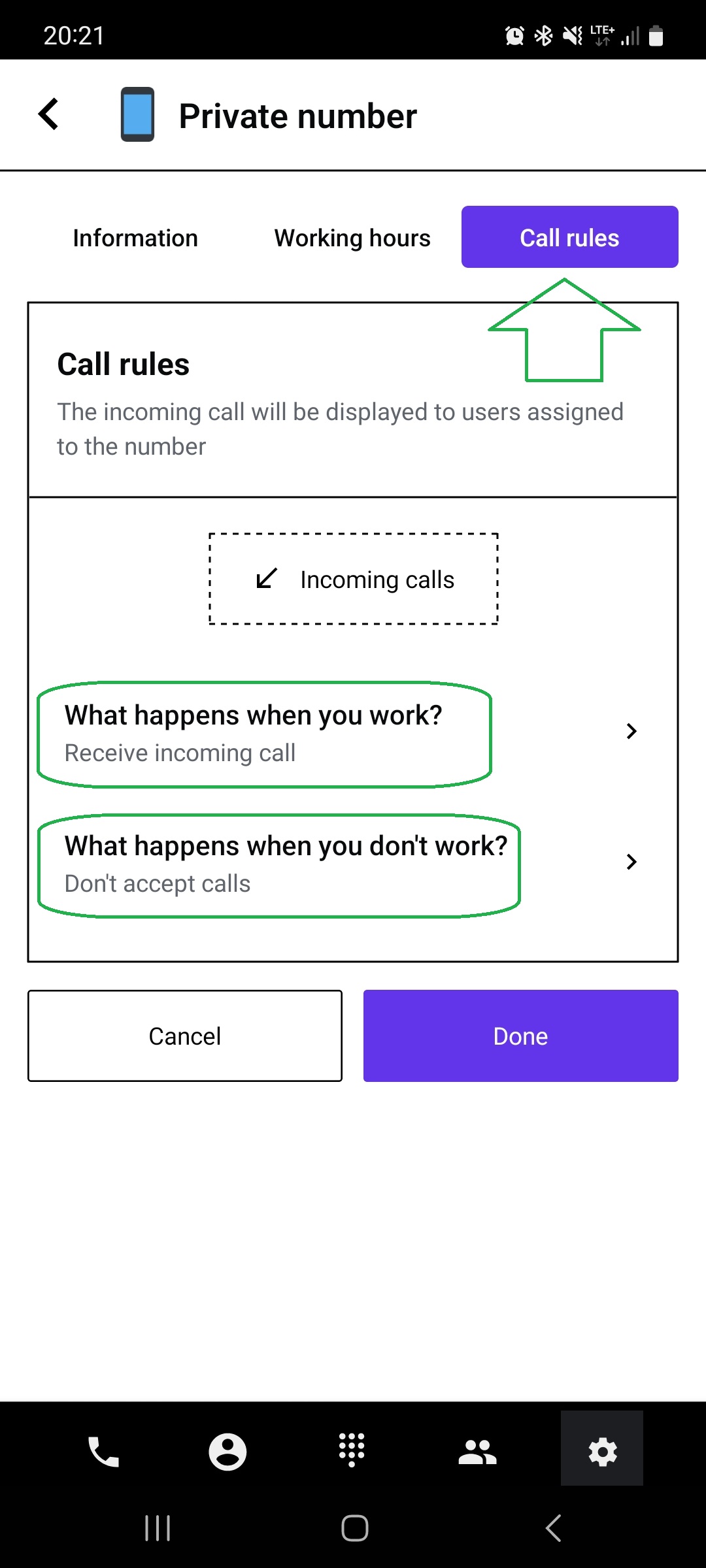
Tap the “Call rules” button on the top bar.
Choose when the message should be played for the callers:
What happens when you work? (within working hours)
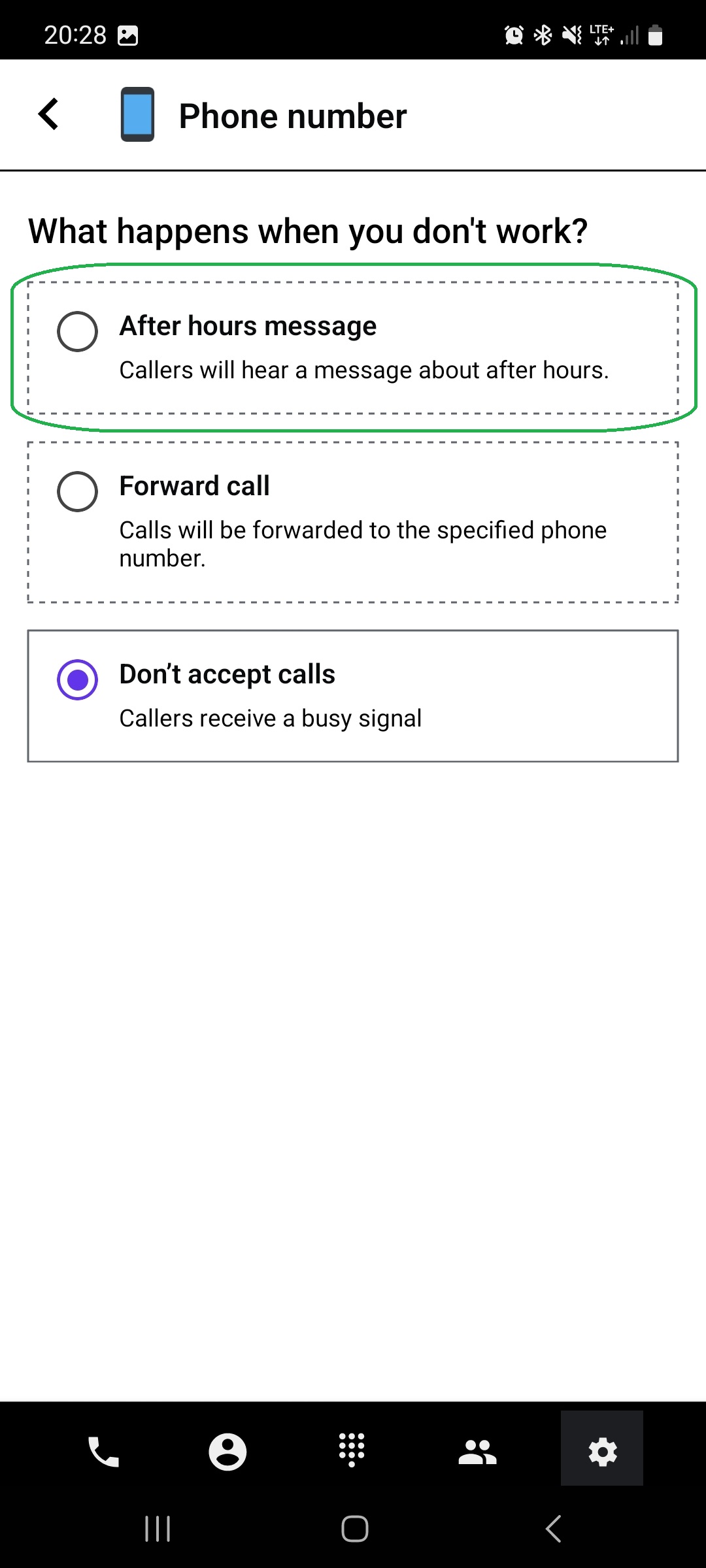
What happens when you don’t work? (outside working hours).
Tap the “Welcome Message” or “After hours message” button.
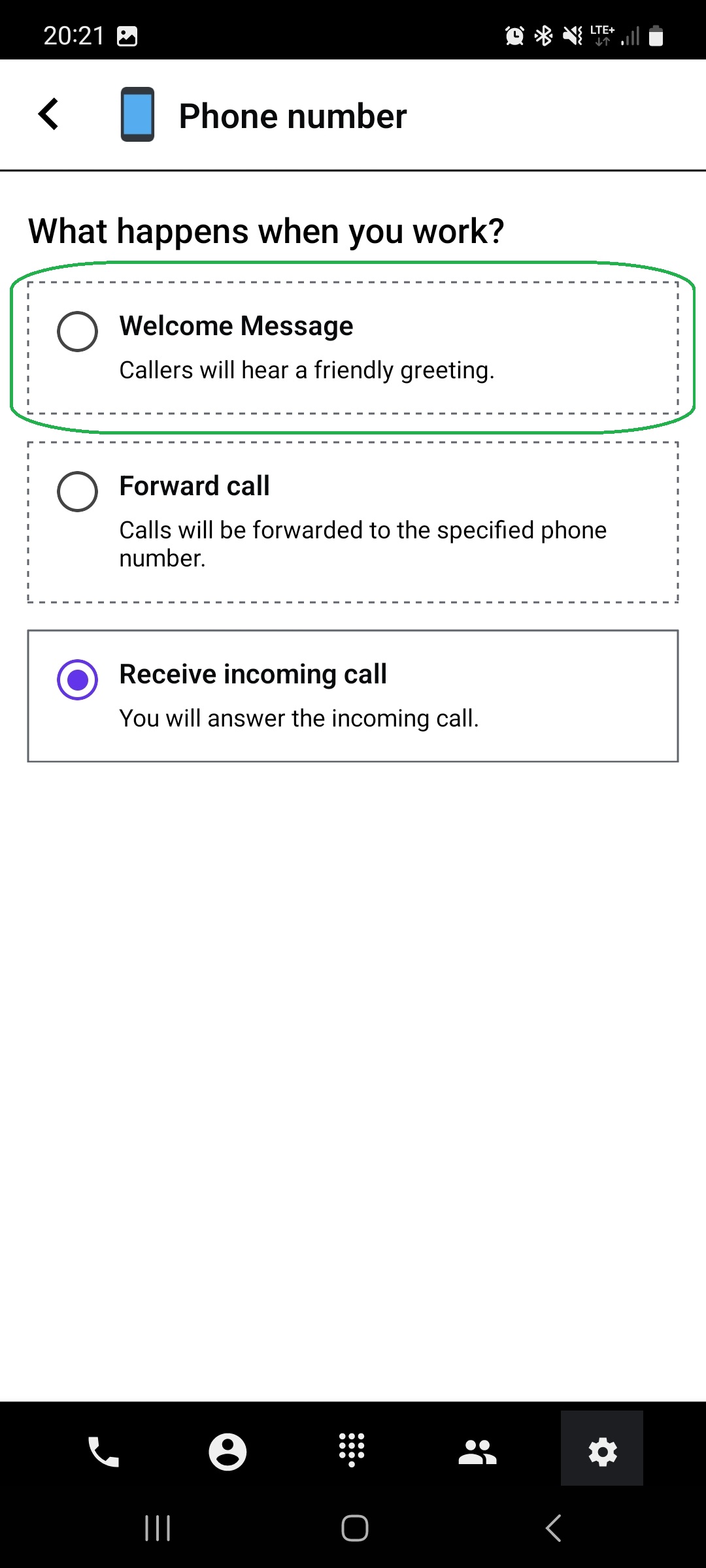
Choose what tool you want to use to create a welcome message. You can:
Record your own voice using a device microphone.
Upload an existing file from your device.
Before confirming, listen to your message to ensure it suits your needs.
Once you confirm, the message is saved and will be played for people who call you.
Found a mistake or missing article? Contact PhoneHQ Support and let us know!
