Make sure that you are logged in to the Web Portal.
Check the working hours for your phone number—outside working hours, the system may not send incoming calls to you!
Ensure that “Do Not Disturb” status is not active.
Once someone calls your phone number, the system will:
Start a ringtone, which can be heard depending on your device sound settings.
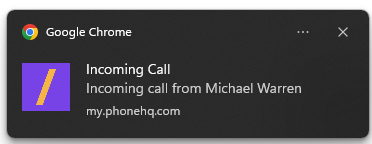
Send you a push notification, depending on the browser settings and permissions:
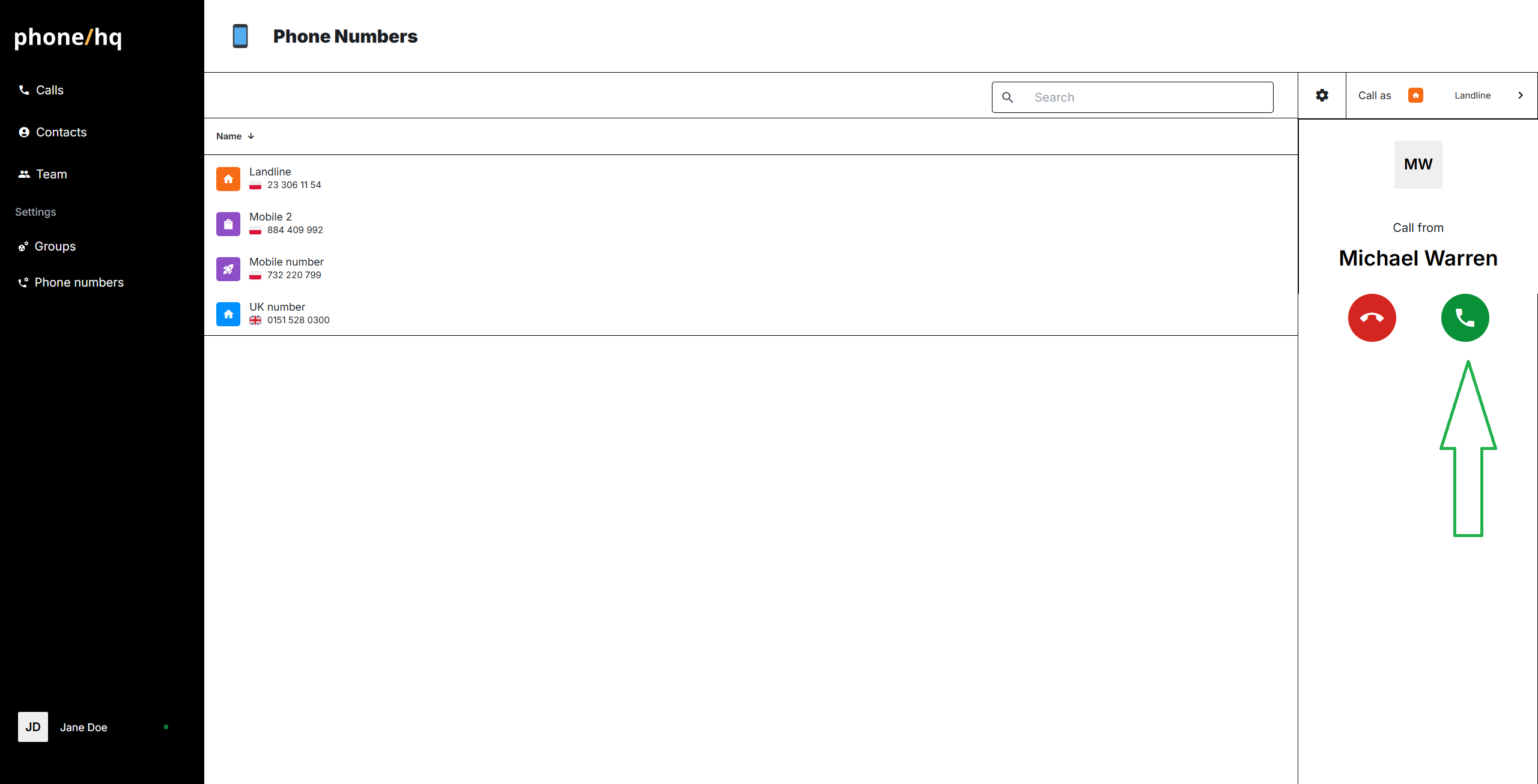
On the Web Portal, the dialer panel on the left will indicate that an incoming call is waiting for pickup. To answer the call, simply click the green phone icon on the panel.
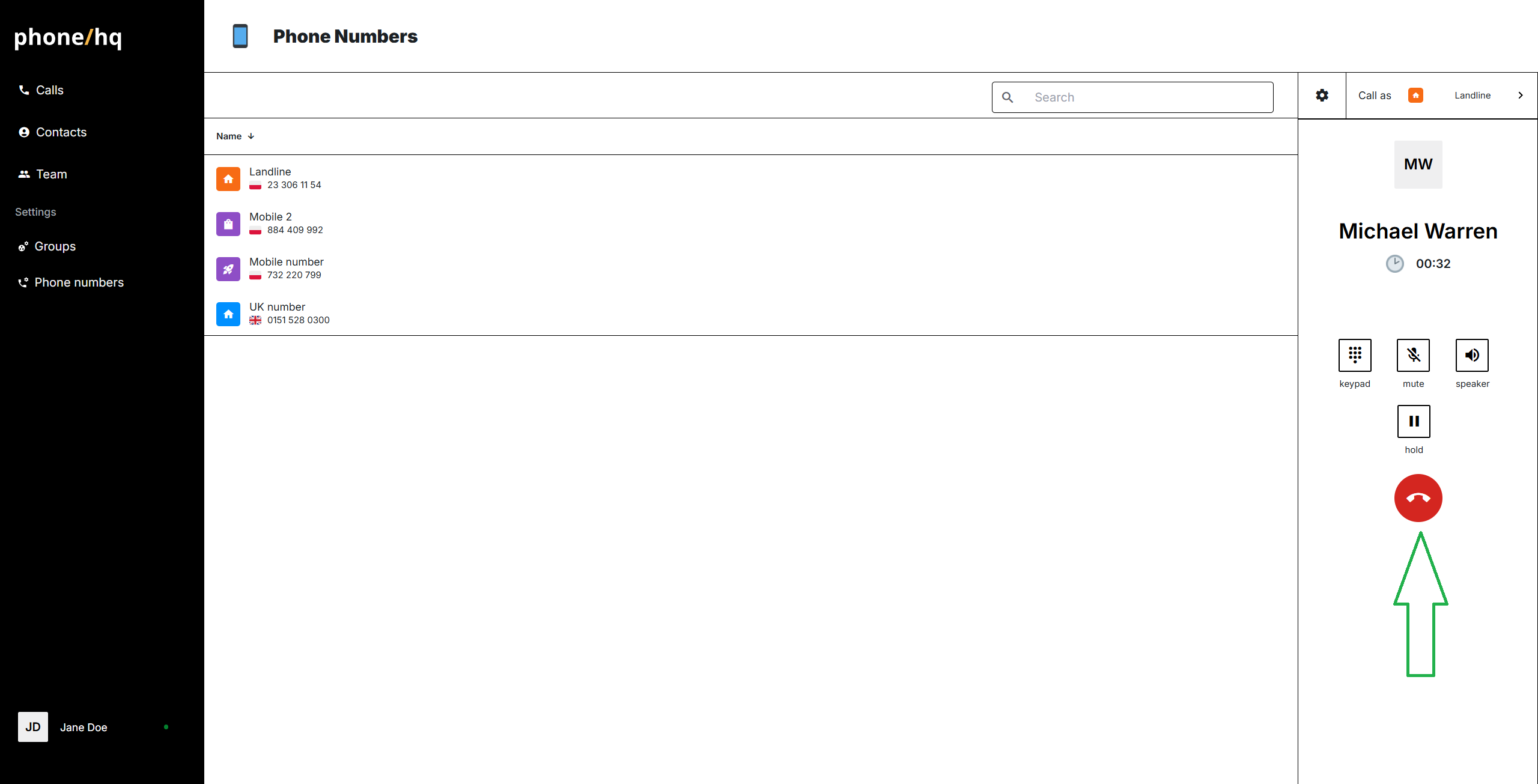
Once the call is in progress, to end it, click on the red button.
Found a mistake or missing article? Contact PhoneHQ Support and let us know!
